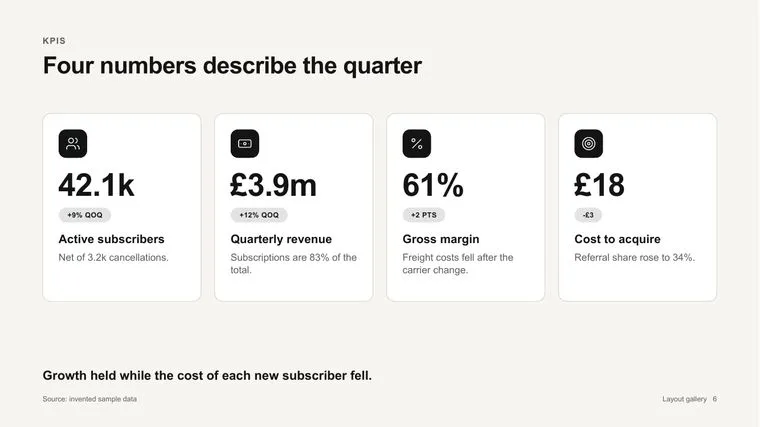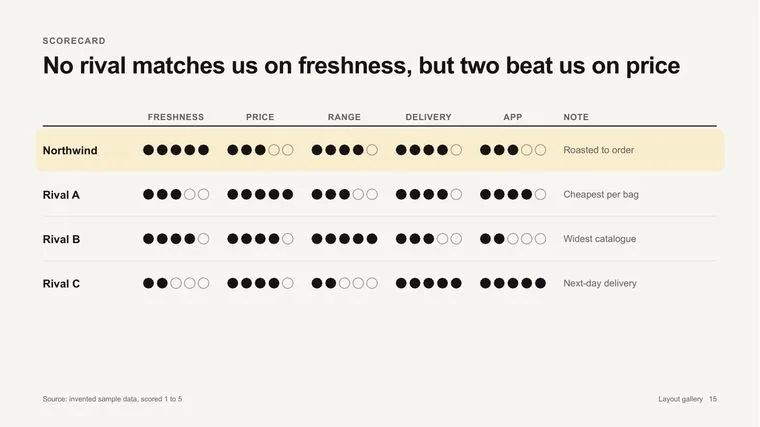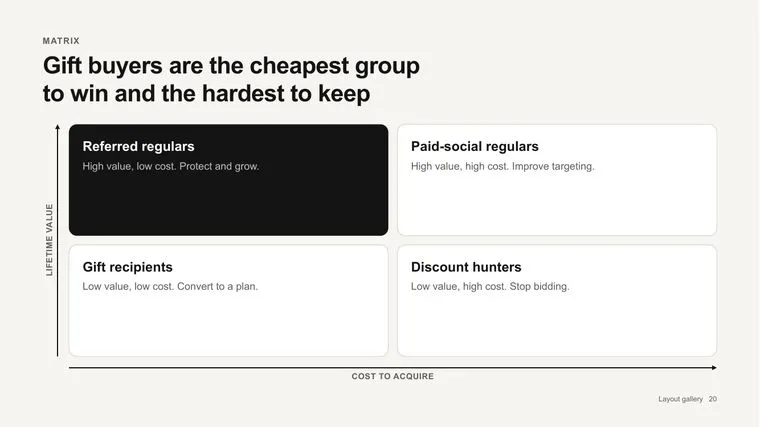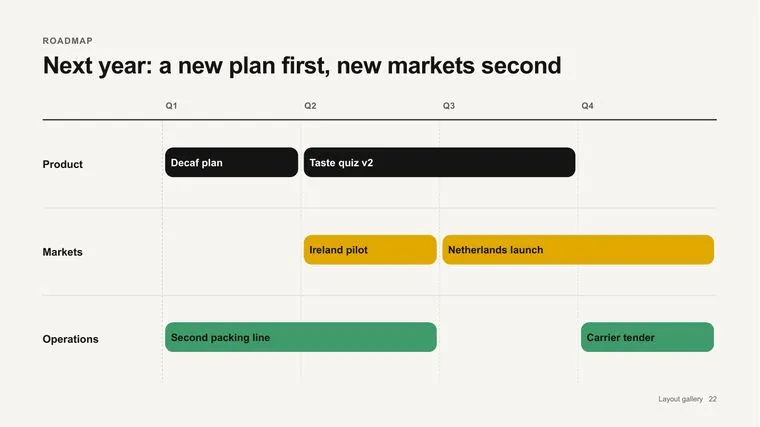

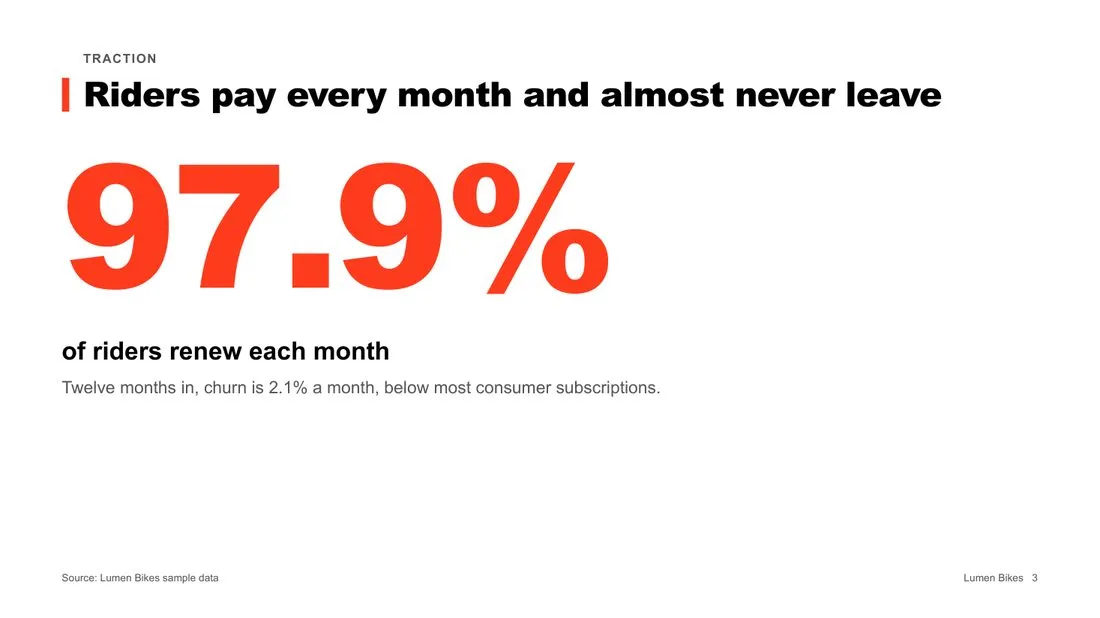
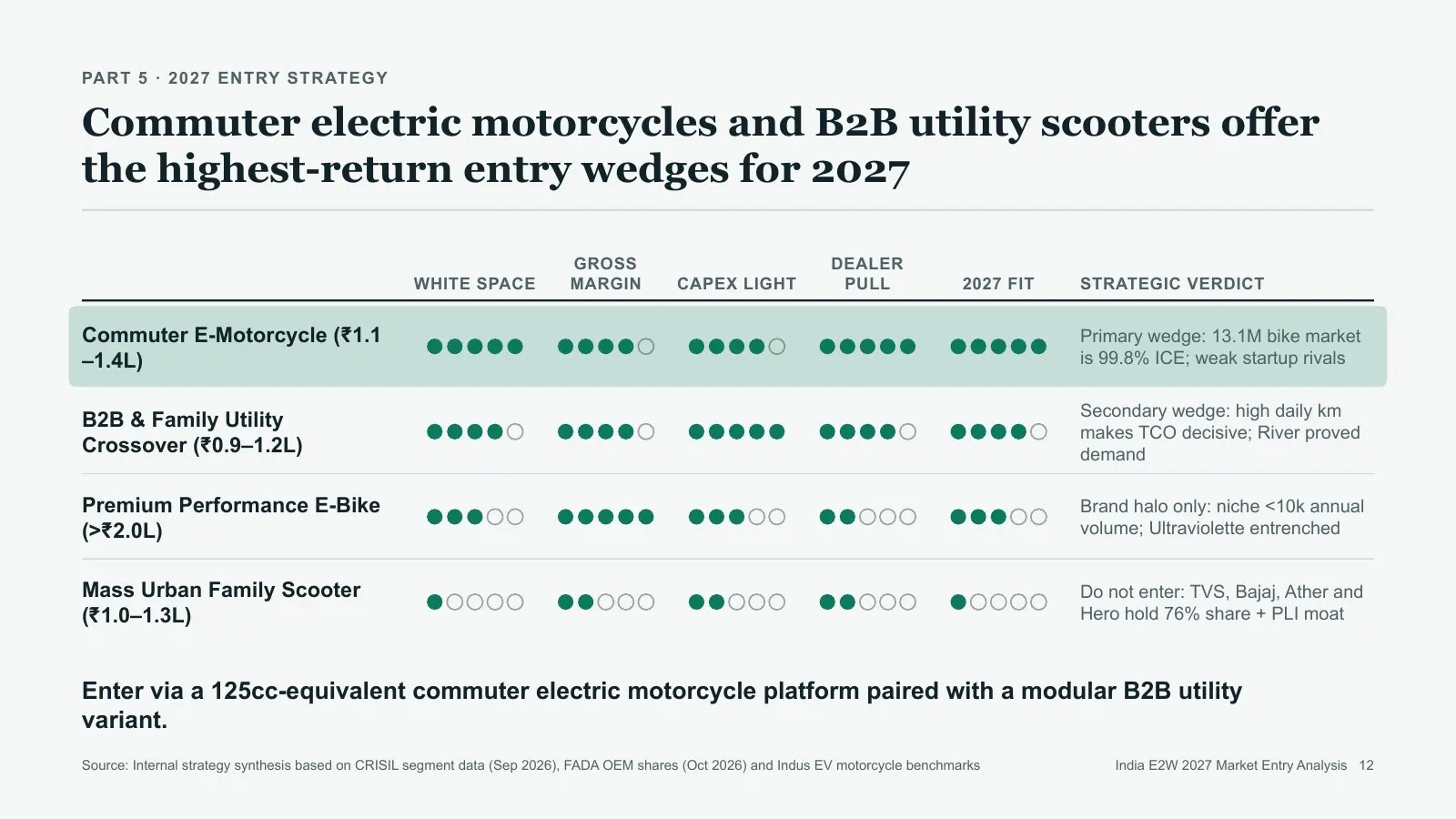
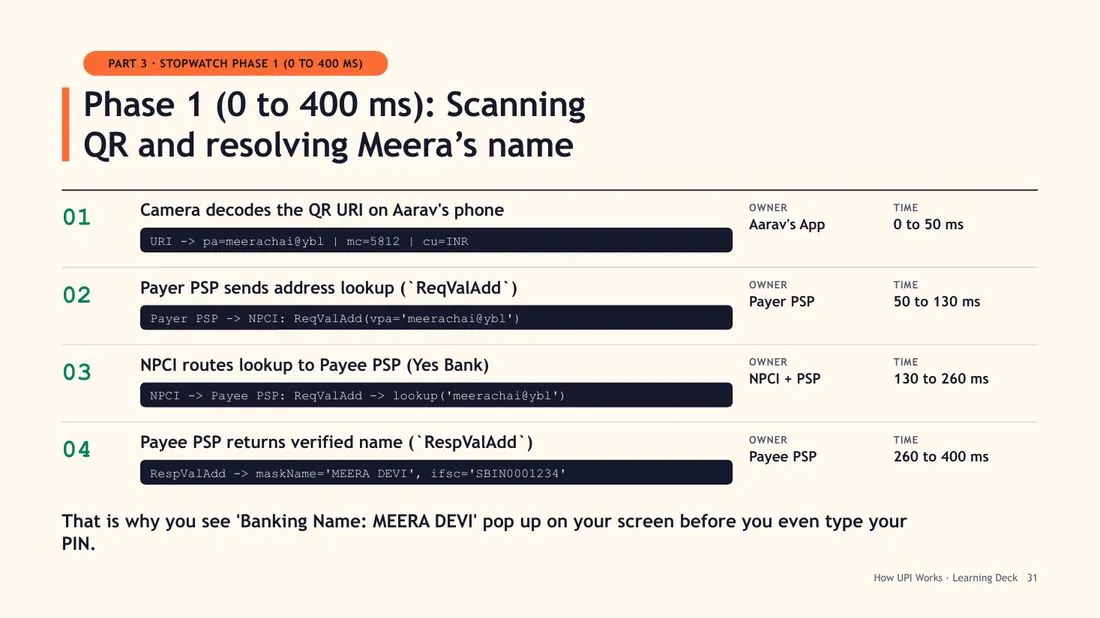
Native charts, data inside
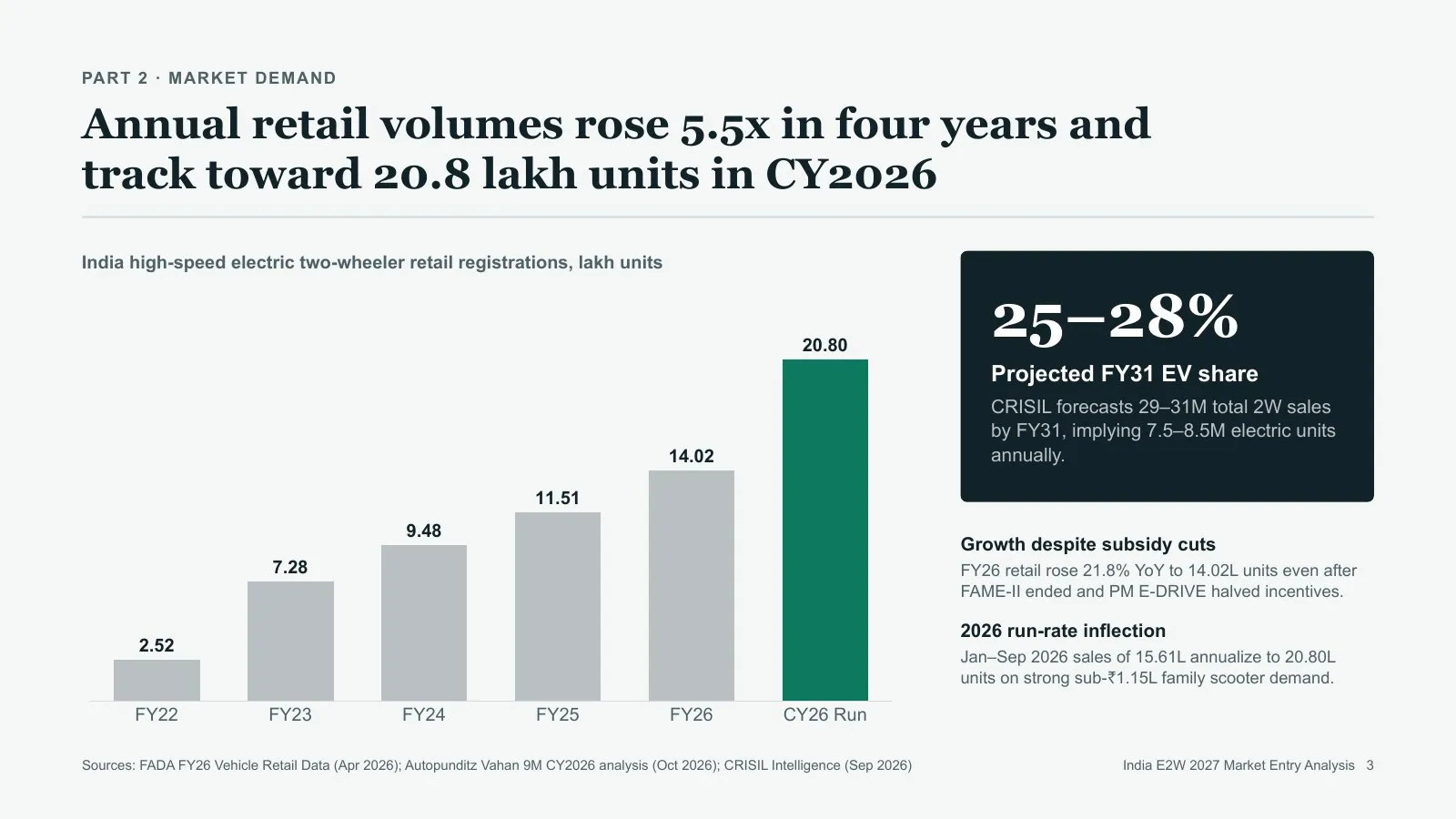
Column, bar, line, pie, scatter, waterfall and more. Click a chart in PowerPoint and edit its numbers.
 Gemini and
 Antigravity
 Ask in one line. Get a researched, designed .pptx where every chart, table, icon and word stays editable. Or hand it the deck you already have.
Make a 15-slide analysis of India's electric two-wheeler market for our leadership team.
@pptx-native Task Free and open source · Two-minute setup · Opens in PowerPoint, Keynote and Google Slides
Ask an AI for a deck and you usually get a chat outline, pictures of slides, or a generic export. Each leaves the real work to you.
| What you get | Chat answer | Image-based tools | Quick exports | PPTX Native |
|---|---|---|---|---|
| A real .pptx file | No | Partlyimages inside | Partlyvia conversion | Yes |
| Every text box, shape and icon editable | No | No | Yes | Yes |
| Native charts with the data inside | No | No | Partly | Yes |
| Researched, with sources on the slide | Partly | Partly | Partly | Yes |
| Checks and looks at its own slides | No | No | No | Yes |
| Edits your existing deck, slide by slide | No | No | No | Yes |
Typical results. Individual tools vary.
A real run in Gemini's Task mode, step by step. You write the first line; the skill does the rest.
One line in Task mode. Attach your files if you have them.
Reads your files first, then searches primary sources.
Plans the story, then picks a look for the room.
Renders every slide, looks at it, and fixes what's off.
A .pptx where every chart, table and word is editable.
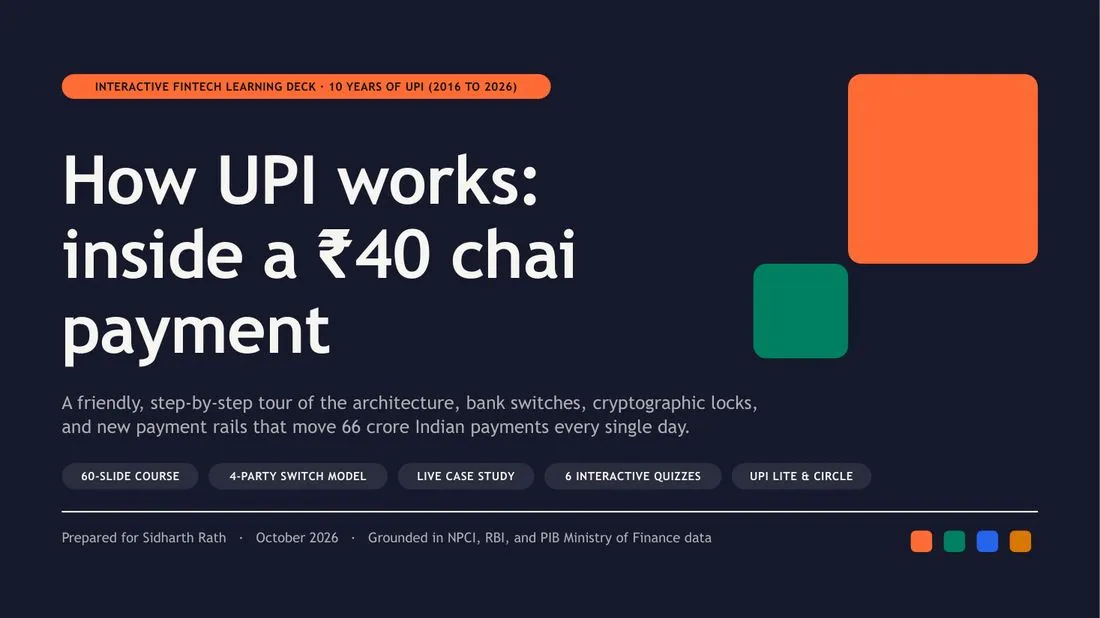
Real decks from one-line requests, the same company pitched to four different rooms, and an edit to a deck someone already had.
Made from online sources in October 2026. Figures have not been independently checked.
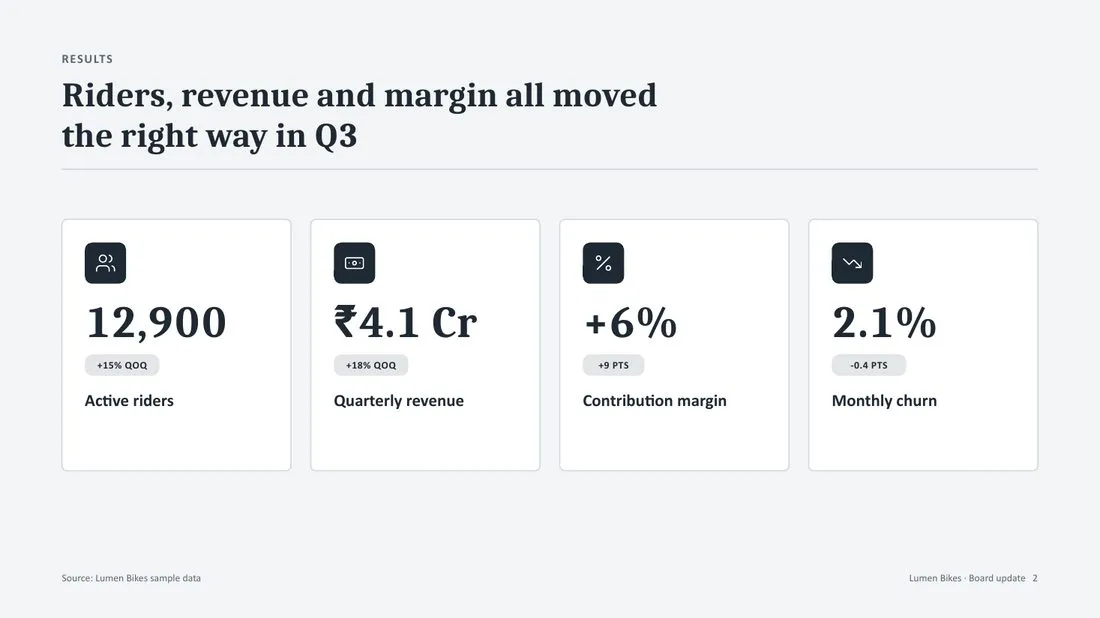
Four requests about one fictional company, Lumen Bikes. Structure, slide types, wording and look all change with the room.
 BeforeAfter
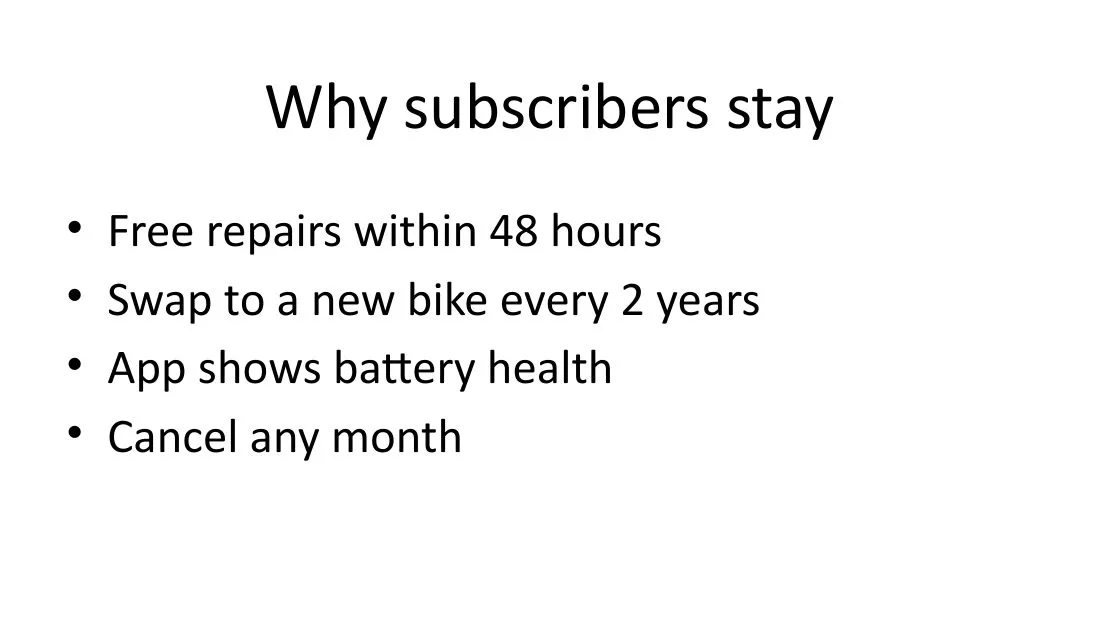
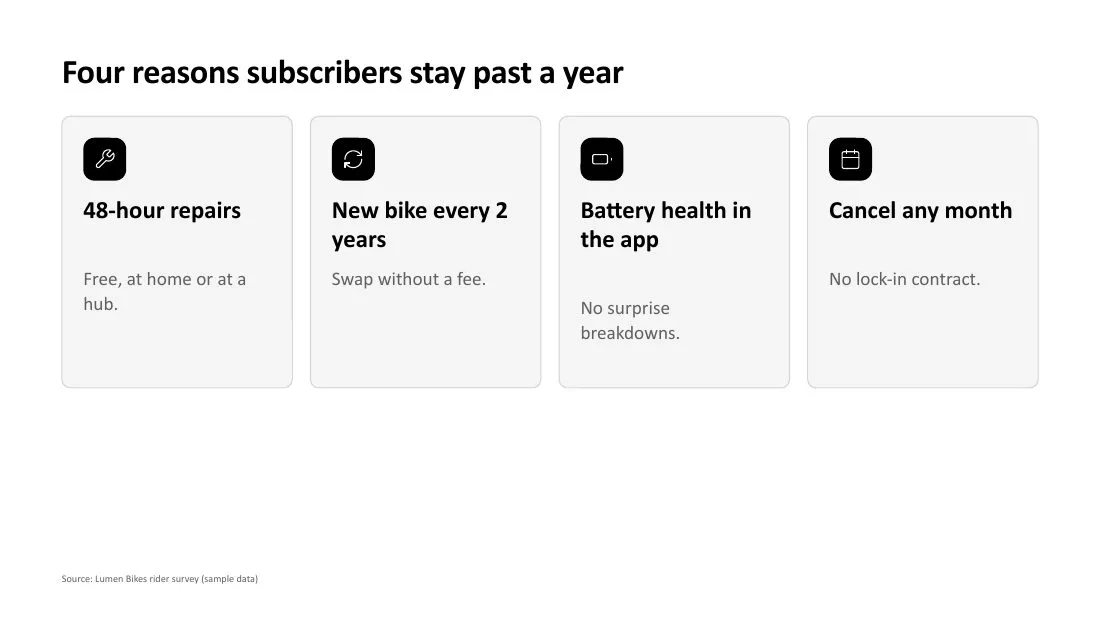
 Attach your deck and askTurn slide 2 into something better than bullets. Keep our fonts and colours.
Column, bar, line, pie, scatter, waterfall and more. Click a chart in PowerPoint and edit its numbers.
Picked from the shape of your content, including ones for your own photos. See them all
Every data slide names its source.
Renders the slides and looks at them before handing over.
What to say on every slide.
Sentence headlines that state the point, numbers with units and dates, no stock AI phrasing.
The skill is free and open source. Use it in the Gemini app, or add it to Antigravity with one line.
On the web and the Mac app. Needs Google AI Pro or Ultra for Task mode.
@pptx-native and describe your deck.Upload says it didn't pass the security scan? Upload the official zip, unchanged.
Runs on your own computer. Also works with other agents that run Python.
curl -fsSL https://raw.githubusercontent.com/siddharthrath1999/pptx-native/main/install.sh | bash Only for the current project? Run curl -fsSL https://raw.githubusercontent.com/siddharthrath1999/pptx-native/main/install.sh | bash -s -- --project instead.
Start from one of 24 prompts that already make good decks, or build your own in a few taps.
Business & strategyLearning & trainingProduct & techEditing decksYes. PPTX Native is open source under the MIT licence. To use it in the Gemini app you need a Google AI Pro or Ultra plan, because it runs in Task mode. In Antigravity, your usual Antigravity plan applies.
Task mode gives Gemini a small computer where it can run the skill's tools. In normal chat it can't, so you'd get text, HTML or a Google Slides export instead of a .pptx.
Yes. Attach the .pptx and say what to change. It can rewrite text, update tables and chart data, replace notes, reorder or delete slides, and redesign or add slides in your deck's own fonts and colours. New and redesigned slides need a 16:9 deck.
It researches and cites sources, but it can still pick a weak source or misread one. Check figures before you present. The handoff note lists every source.
Yes. Attach your company template (.pptx or .potx) and the new deck is built inside it, with your fonts, colours, background and logo. Or attach just your logo and give your colours as hex codes.
It places the photos, screenshots and logos you attach, cropped to fit and turned the right way up. It never generates or downloads images.
Free and open source. Add it to Gemini in two minutes, or to Antigravity with one line.
Read the source on GitHub