
Say the job
Who it's for and what they should decide or learn. That one line shapes the structure more than anything else.
Prompts that already make good decks, a builder for your own, and every layout the skill can pick from.
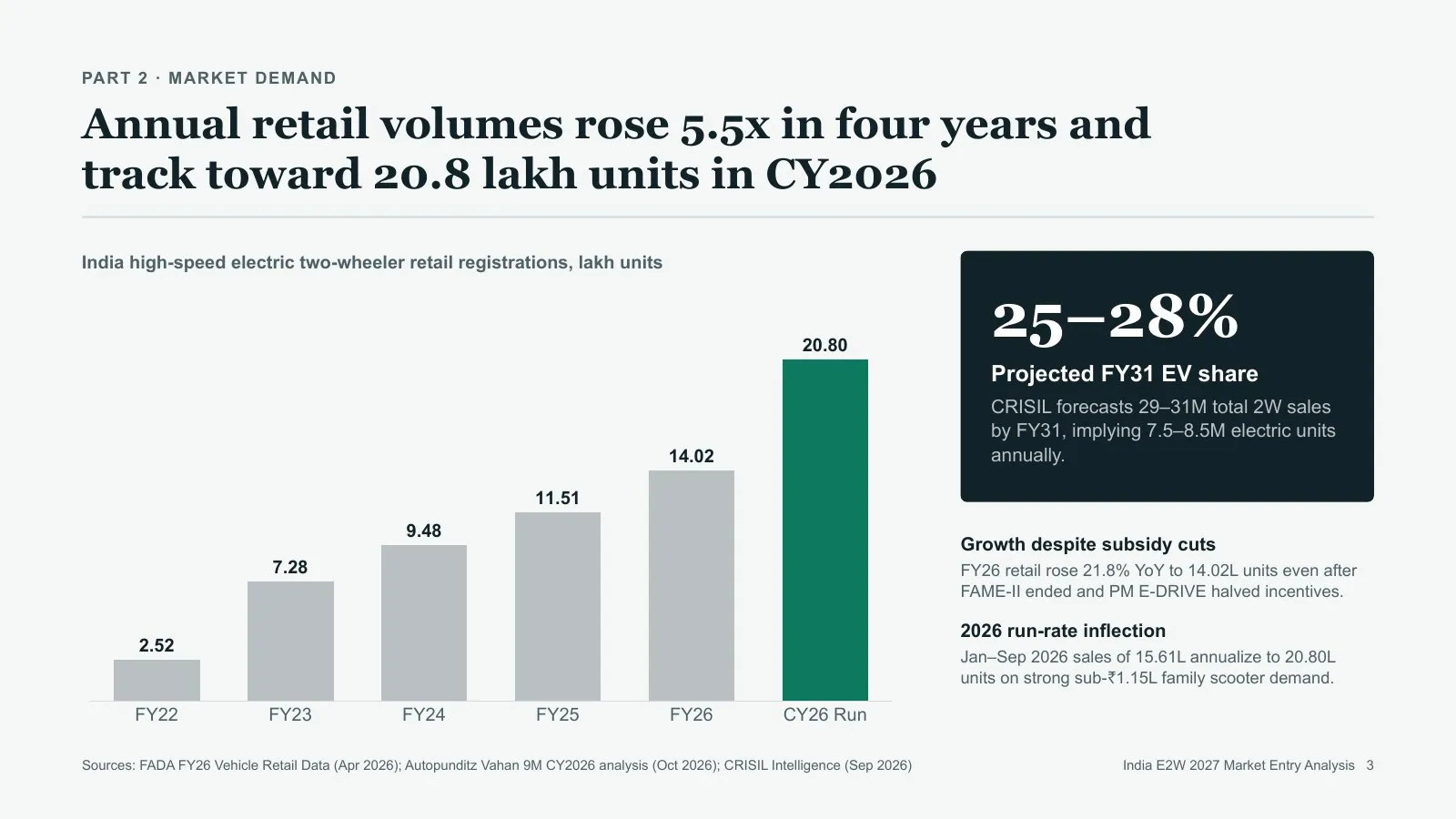
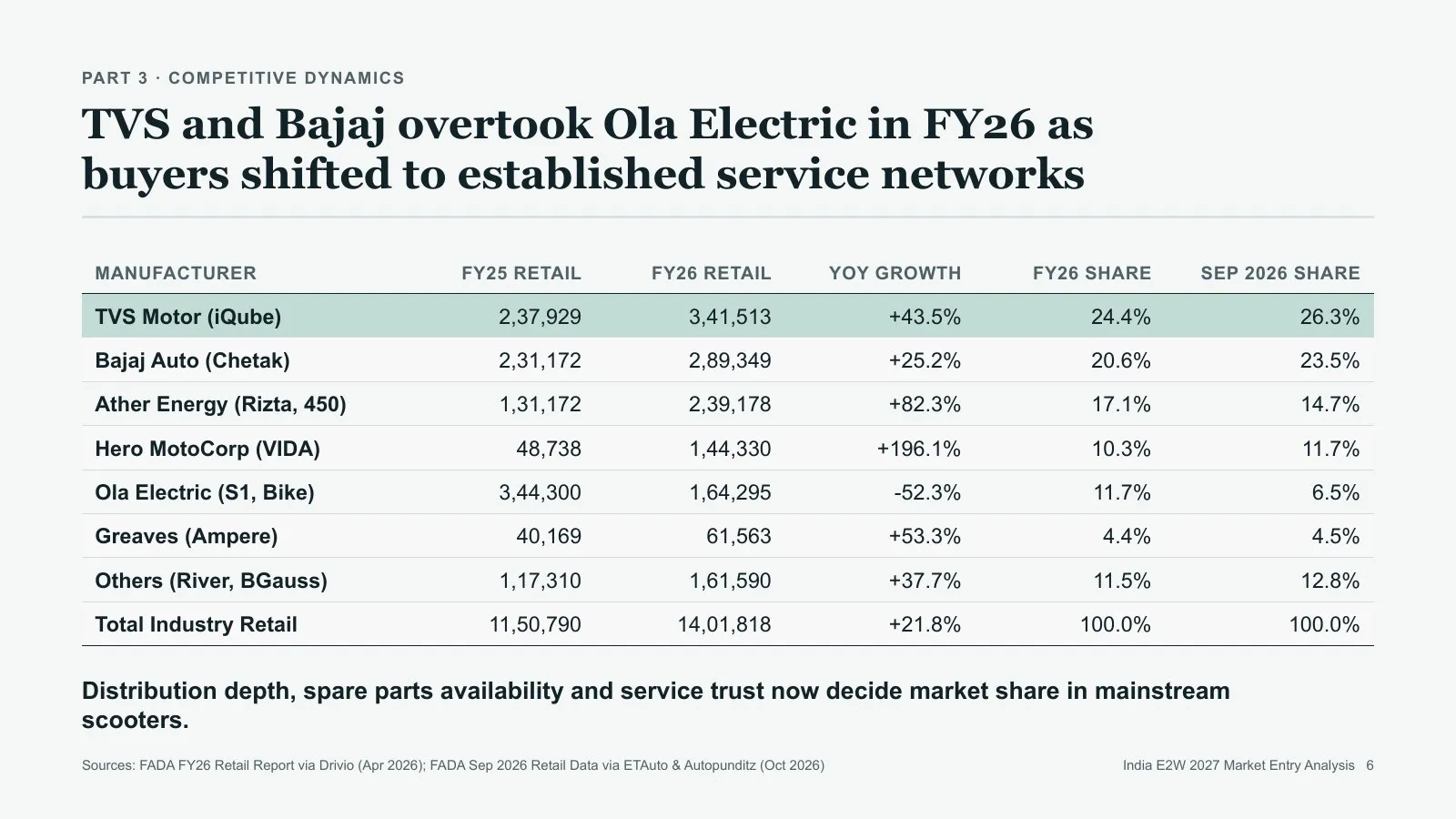
@pptx-native Make a 30-slide analysis of India's electric two-wheeler market for our leadership team, who must decide whether to enter in 2027. End with a clear recommendation.
Naming the decision gives the deck a destination, so every slide builds towards it.
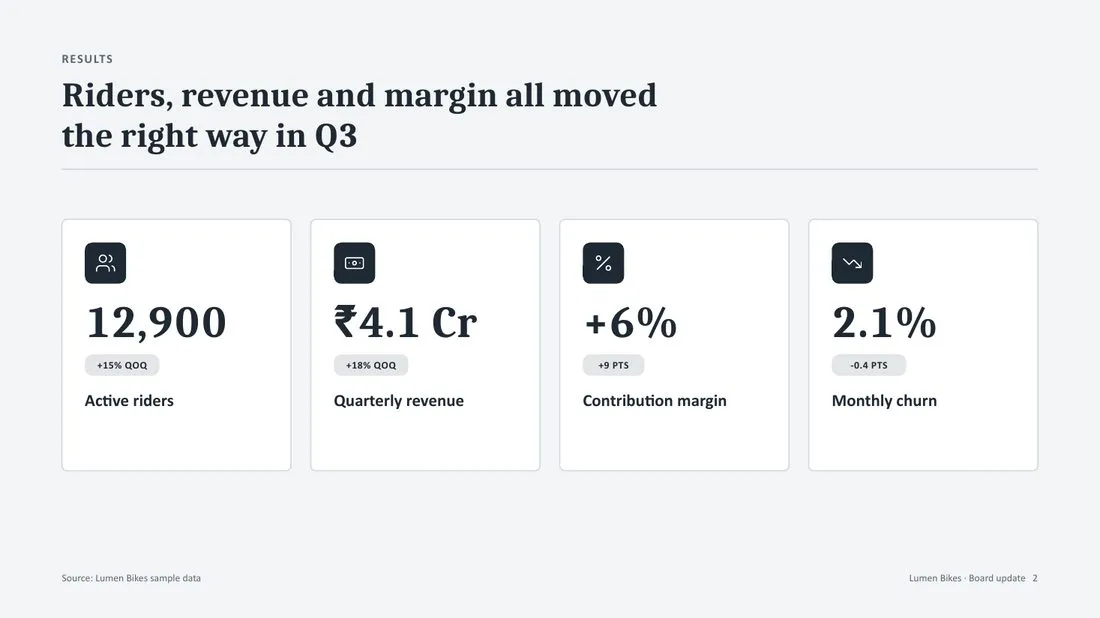
@pptx-native Make a 12-slide board update on our Q3 results for our board. Lead with the result, show the evidence, and end with the three decisions we need approved.
Result first and decisions last is how boards read. The skill picks metric tiles and tables to match.
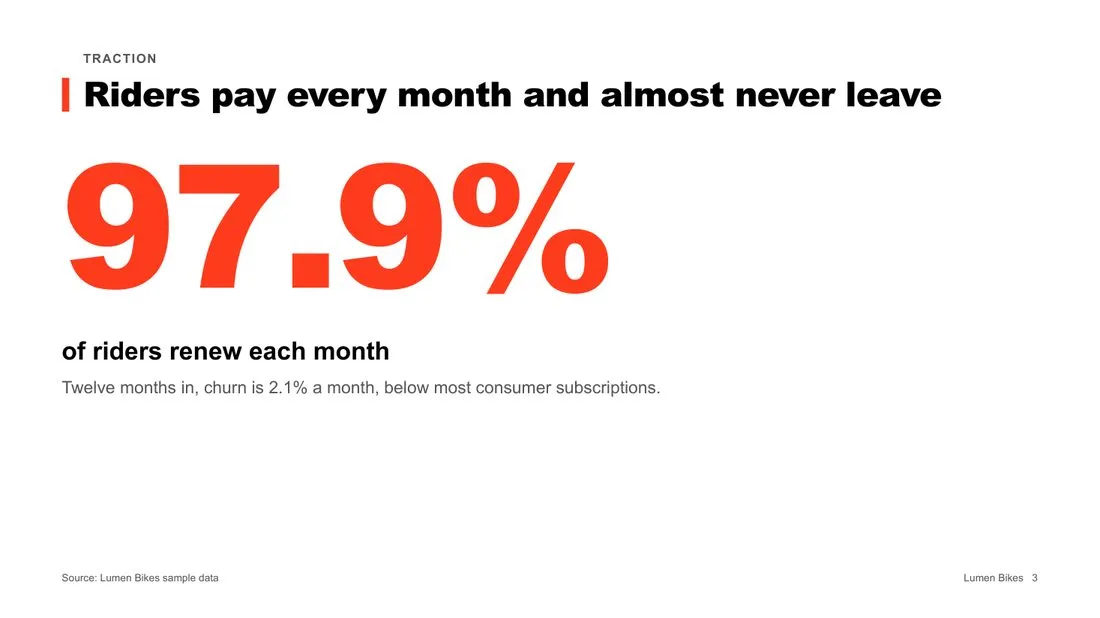
@pptx-native Make a 12-slide seed pitch for Lumen Bikes, a bike subscription startup for early-stage investors. Cover the problem, the proof, growth, the team and the ask of $500,000.
Listing the beats keeps it tight. The look turns bold on its own because the audience is investors.
@pptx-native Benchmark India's six quick commerce apps for our strategy team in 40 slides. One profile slide per company, a scorecard across delivery speed, assortment, pricing and profitability, and what it means for us.
Fixed criteria make companies comparable, and “what it means for us” forces a point of view.
@pptx-native Turn the attached sales sheet into a 20-slide quarterly review for the sales leadership team. Show results against target, what drove the gap, and next quarter's plan.
The attached sheet becomes the source of truth, so numbers come from your data, not the web.
@pptx-native Make a 15-slide deck comparing three ways to enter the Middle East market for our executive committee. Score each option on cost, speed, risk and upside and recommend one.
Asking for scores and a pick avoids a neutral list of pros and cons.

@pptx-native Make a fun 30-slide learning deck that teaches college students how UPI payments work. Use one running story, a quiz question every few slides, and plain words.
A running story and regular quizzes keep a learning deck from turning into a lecture.
@pptx-native Make a 20-slide onboarding deck for new joiners in our support team. Cover our product, our customers, the tools we use and their first-week checklist.
Listing the topics sets the parts; the skill adds recaps between them.
@pptx-native Make a 15-slide workshop deck for our support team on why customers cancel. Start with a question to the room, answer it with data from the attached file, and end with a recap.
A question first gets the room talking before the answer lands.
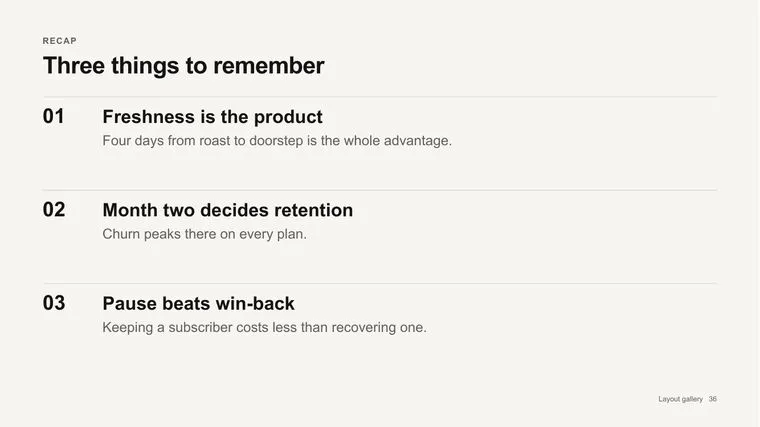
@pptx-native Make a 40-slide lecture on the basics of monetary policy for first-year economics students. Split it into four parts with a recap after each, and write speaker notes I can read from.
Asking for readable notes makes the notes full sentences, not reminders.
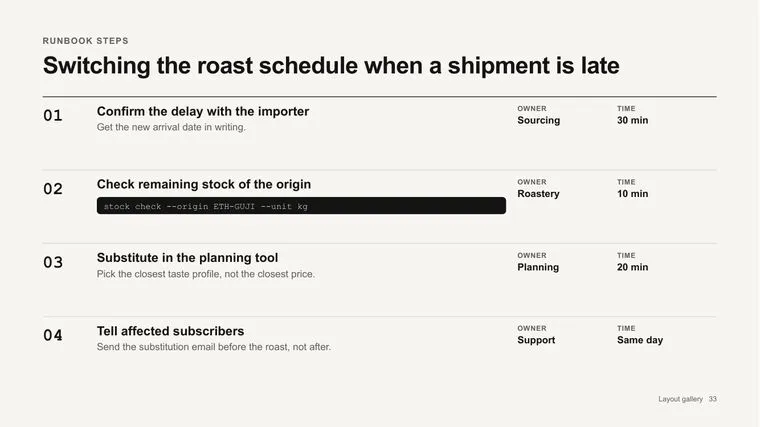
@pptx-native Make a 12-slide training deck on how to handle a refund request for new support agents. Show each step, who owns it, and the common mistakes.
Owners and mistakes turn a process diagram into something people can follow on day one.
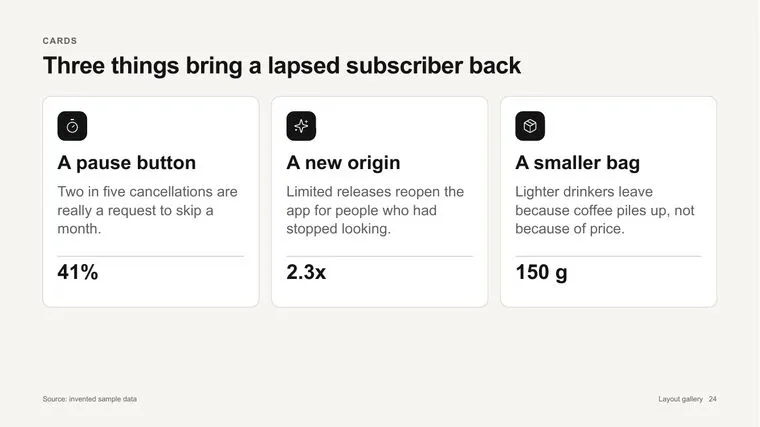
@pptx-native Summarise the attached report in 15 slides for our team, who haven't read it. One slide per key idea, with the page number it comes from.
Page numbers keep the summary honest and easy to check.
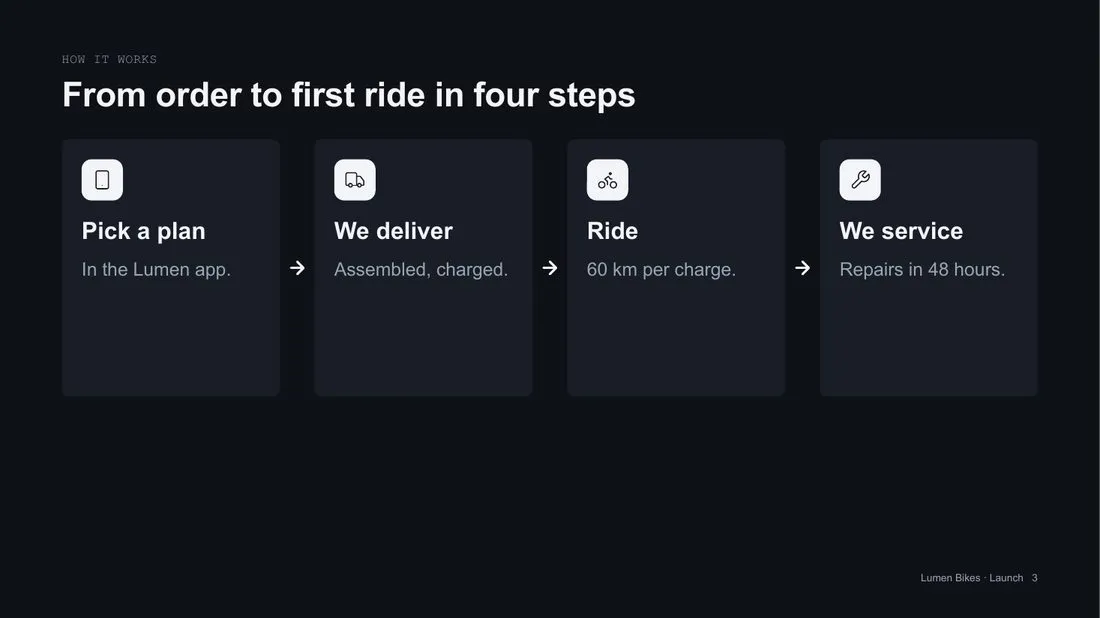
@pptx-native Make a 15-slide launch deck for Lumen Cargo, our new cargo bike plan for the city teams who will roll it out. Cover what it is, how it works, the timeline and what each team must do.
Writing for the people who roll it out makes the deck about actions and dates, not hype.
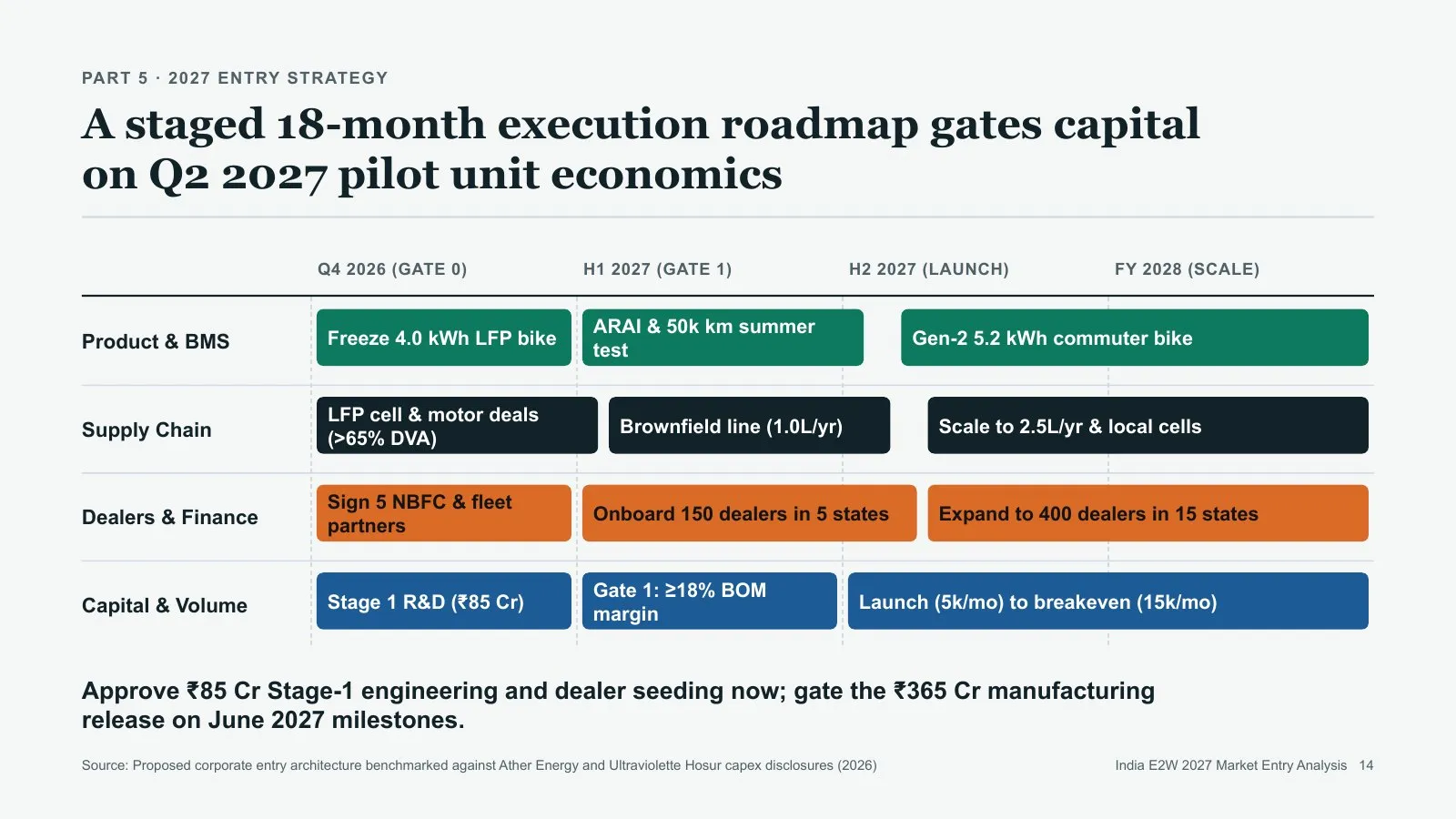
@pptx-native Make a 12-slide roadmap for our mobile app over the next four quarters for engineering and design leads. Group the work into growth, reliability and platform.
Named lanes give the roadmap slide its structure.
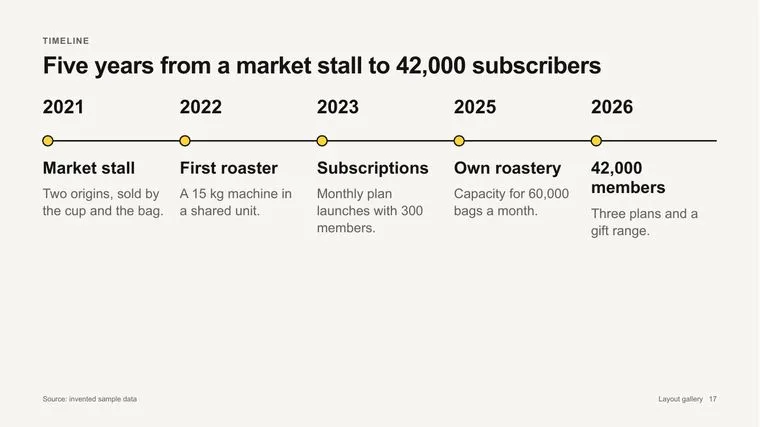
@pptx-native Make a 10-slide review of the 14 October checkout outage for engineering leadership from the attached timeline. Show what happened, the impact, the root cause, and the fixes with owners and dates.
Owners and dates on every fix is what makes a review useful a month later.
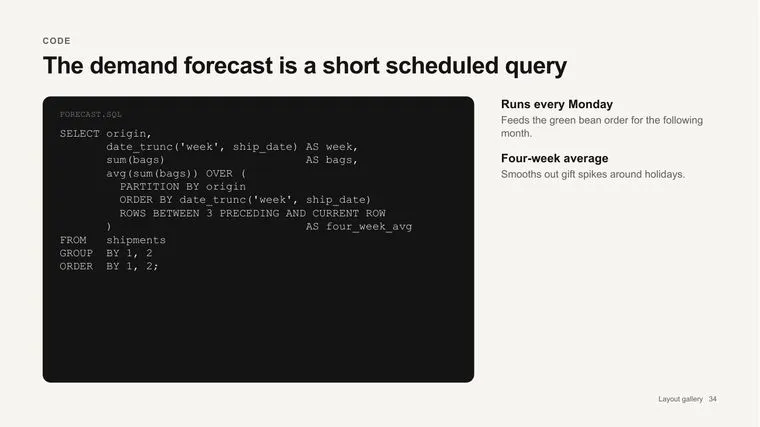
@pptx-native Make a 20-slide runbook for deploying our API to production for on-call engineers. One step per slide with the owner, the time it takes and the exact command.
Exact commands in a code panel mean nobody has to retype from memory at 3 a.m.
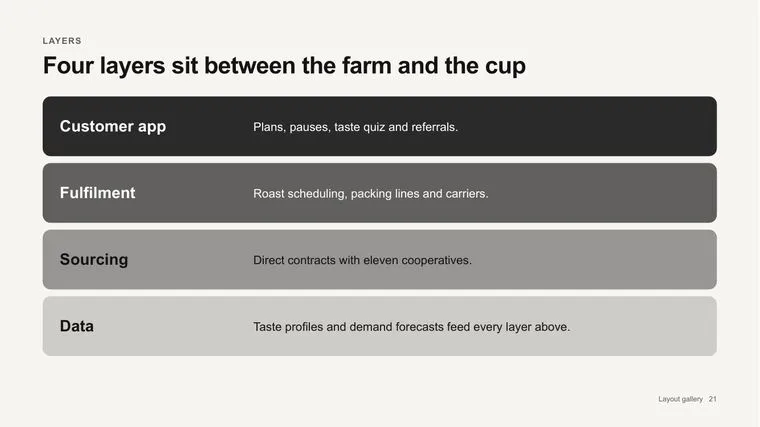
@pptx-native Make a 12-slide architecture overview of our payments system for new engineers. Show the layers, how a request flows through them, and where it can fail.
“Where it can fail” adds the part new engineers need most.
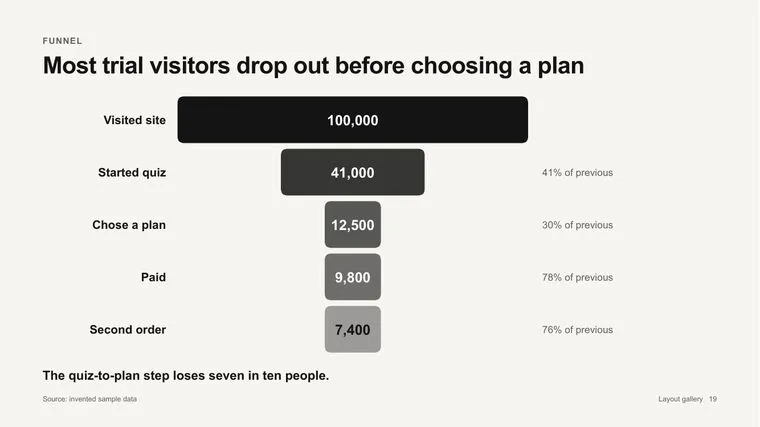
@pptx-native Make a 15-slide monthly product review for our product team from the attached metrics export. Lead with what changed, show the funnel, and list three experiments for next month.
Leading with change, not totals, keeps the review short.
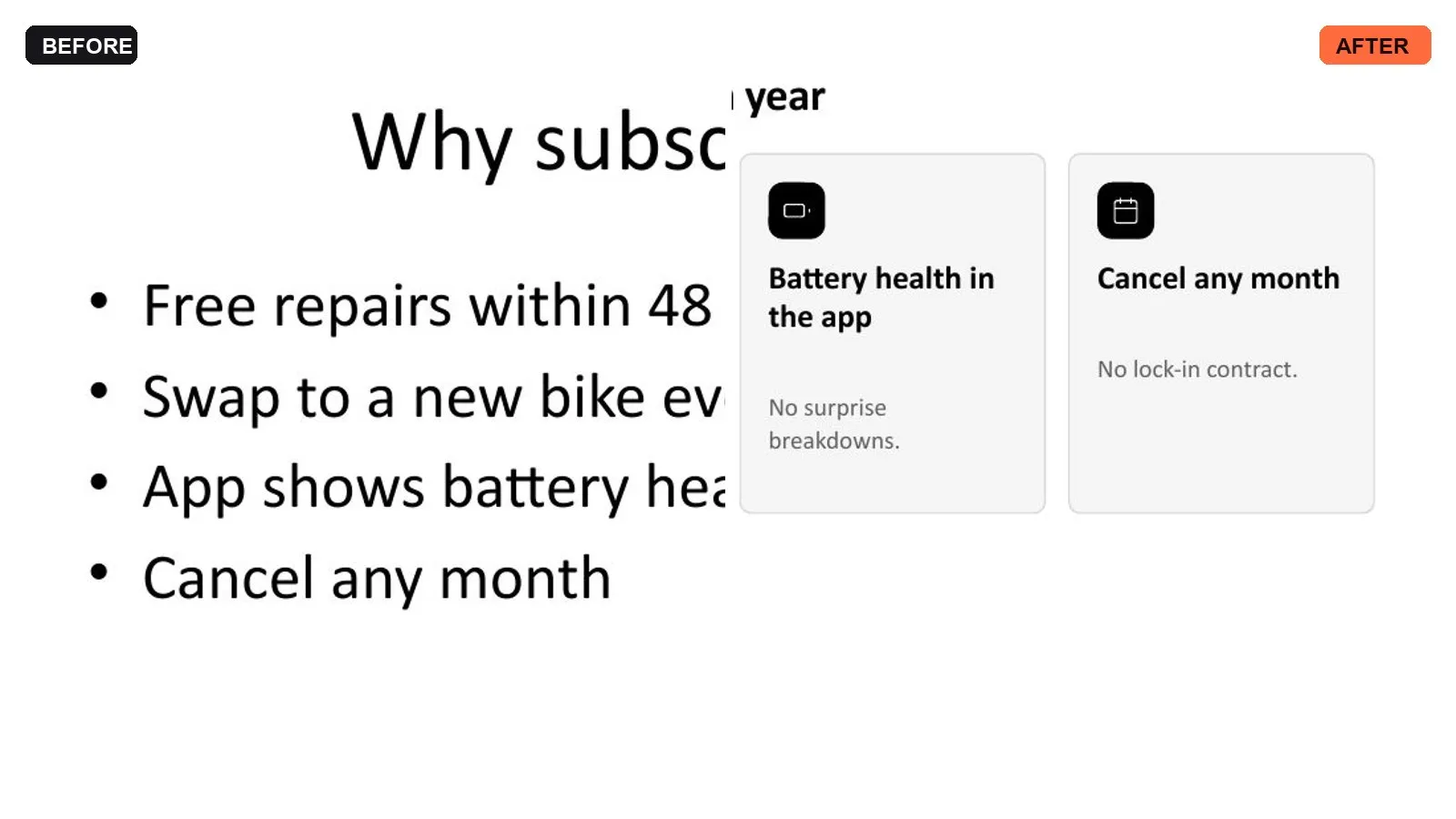
@pptx-native Redesign slides 4 to 9 of the attached deck. Keep our fonts, colours and wording, and replace bullet lists with better layouts.
Naming the slides and what to keep means only those slides change.
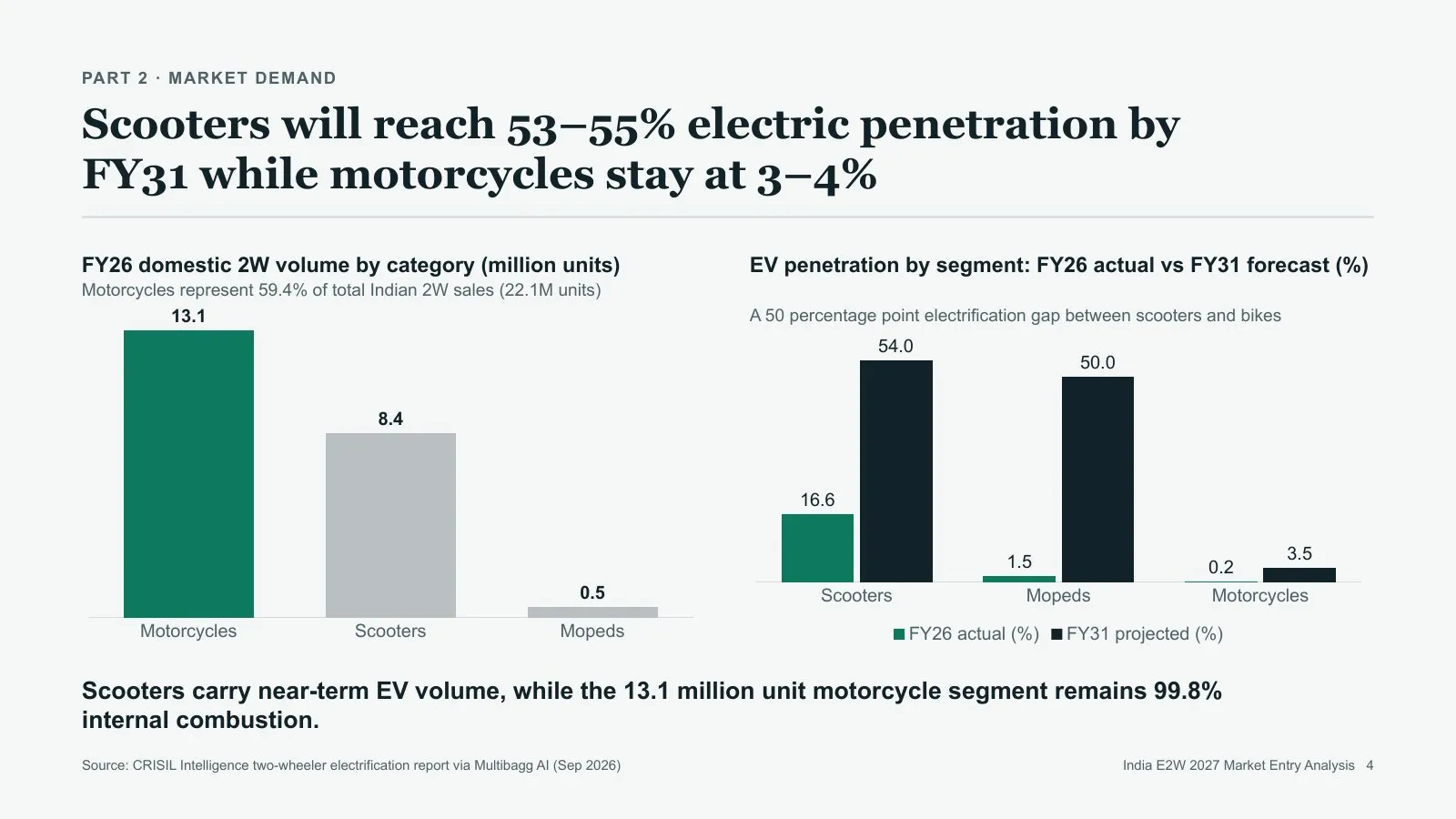
@pptx-native Update every figure in the attached deck for Q3 FY27 using the attached sheet. Change FY26 to FY27 everywhere, and list anything you couldn't update.
Asking for a list of misses tells you exactly what to check by hand.
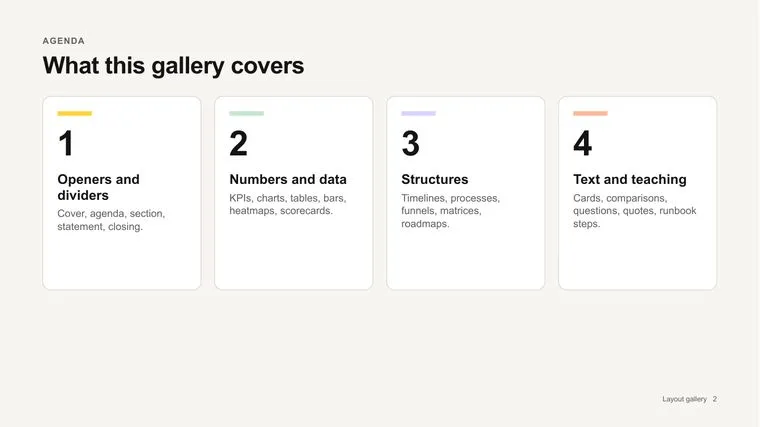
@pptx-native Cut the attached deck from 40 to 15 slides for a 10-minute board slot. Keep the story, merge where you can, and move the detail to an appendix.
Saying how long you have to present sets the right length better than a slide count alone.
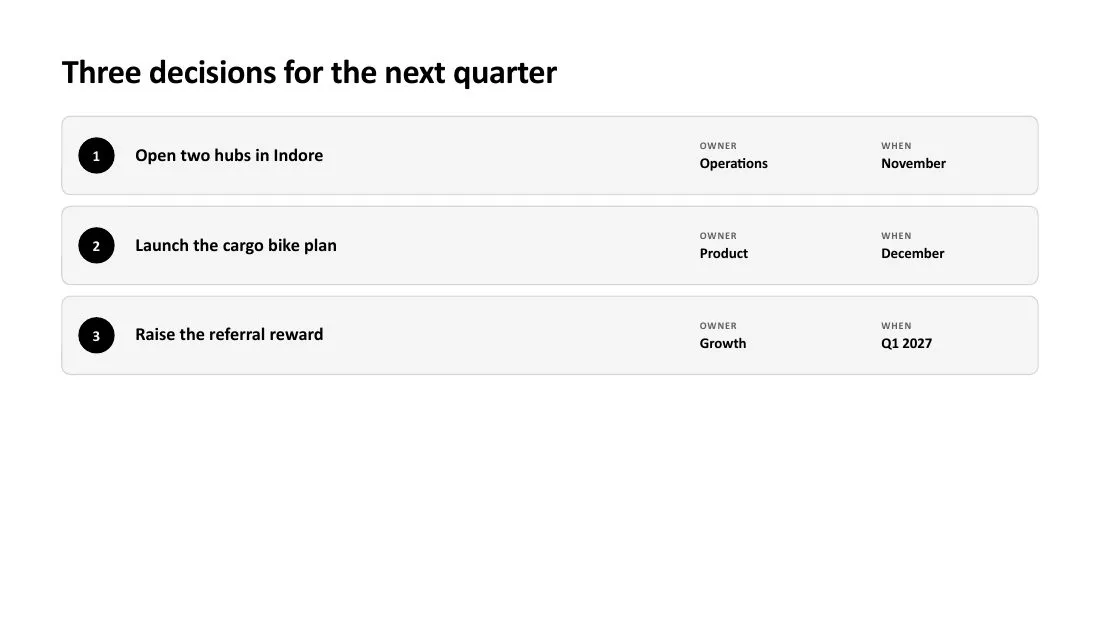
@pptx-native Add a 5-slide section on competitor pricing after slide 12 of the attached deck, in the same style as the rest.
New slides take the deck's own theme colours and fonts.
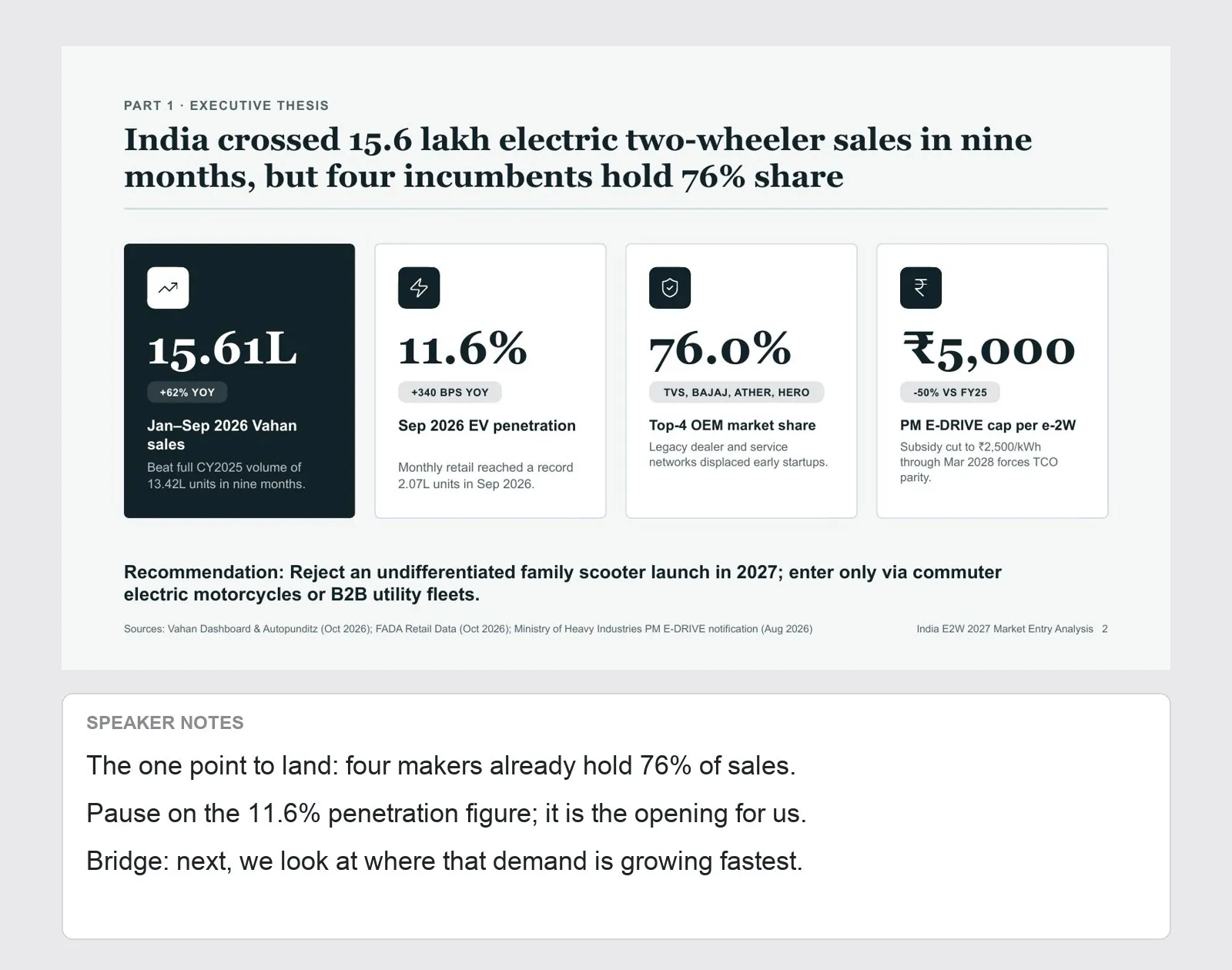
@pptx-native Rewrite the speaker notes in the attached deck for investors. Keep the slides as they are. Each note should say the one point to land and lead into the next slide.
“Keep the slides as they are” limits the edit to notes only.
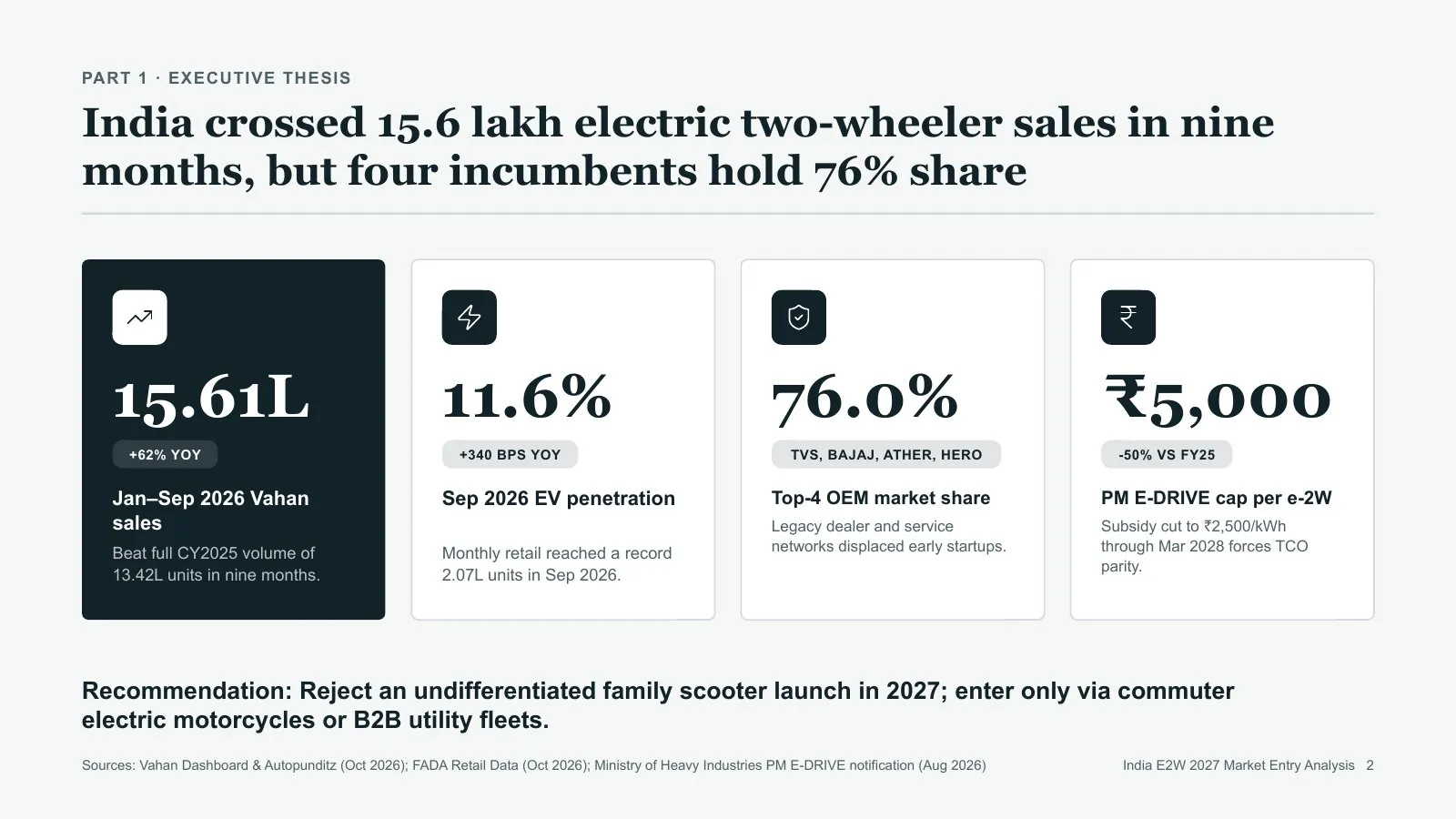
@pptx-native Reorder the attached deck so the recommendation comes first, then the evidence. Delete slides that repeat a point, and tell me which ones you removed.
A change log of removed slides makes the cut easy to review.
No prompts match. Try another word, or .
More context isn't better context. Unrelated details pull slides off topic, and conflicting asks force guesses. Give the skill the few things only you know; it handles research, structure and design.
Who it's for and what they should decide or learn. That one line shapes the structure more than anything else.
Attach the files that matter. One right document beats ten loosely related ones, and it outranks the web.
Length, sections you need, things to avoid. Skip adjectives like "amazing"; they don't change the result.
Make a really good, detailed, professional, modern deck about EVs. Include everything: the history of cars, batteries, Tesla, China, policies, charging, startups. Make it look premium and colourful with lots of charts and keep it short but comprehensive.
Make a 30-slide analysis of India's electric two-wheeler market for our leadership team, who must decide whether to enter in 2027. Use the attached market report first. One slide per major brand, and end with a go or no-go recommendation.
Pick options; the prompt updates as you tap. Then copy it into Gemini.
Then attach your files in the same message. Ask for changes afterwards in the same chat.
A number gets a big number. A ranking gets bars. A process gets steps. Gemini picks from the shape of your content.
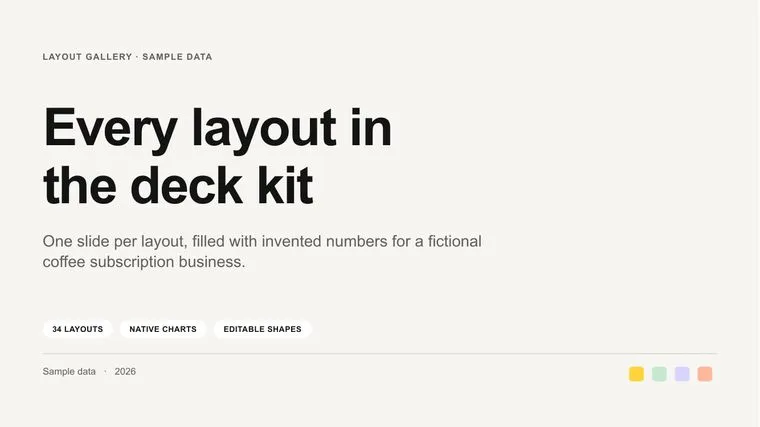
Title, subtitle, tags and your palette.
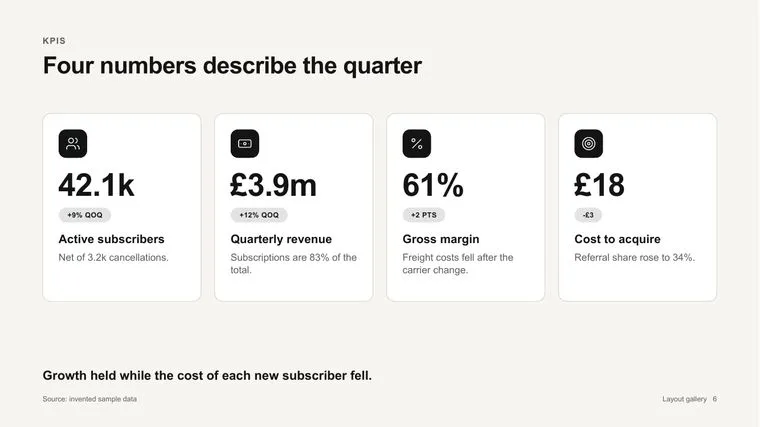
Two to five headline metrics with deltas.
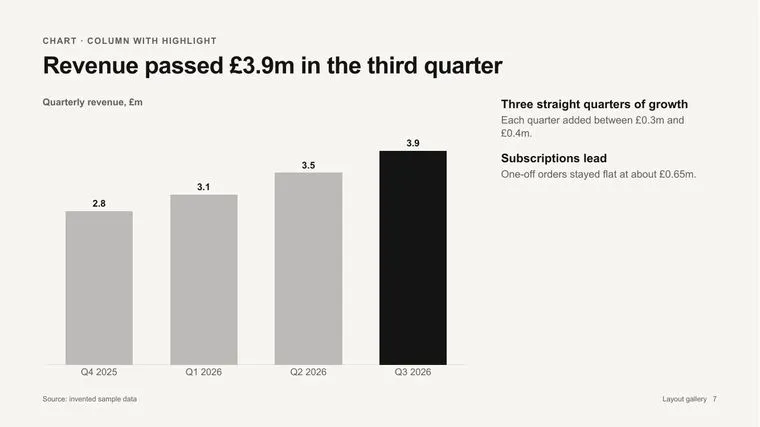
Native chart with a takeaway panel.
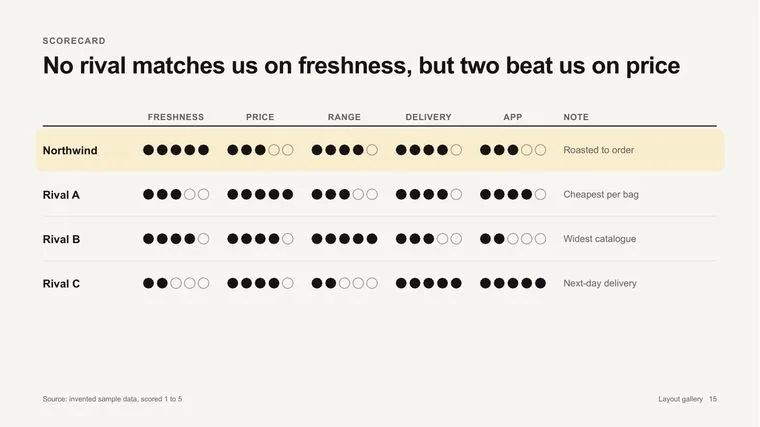
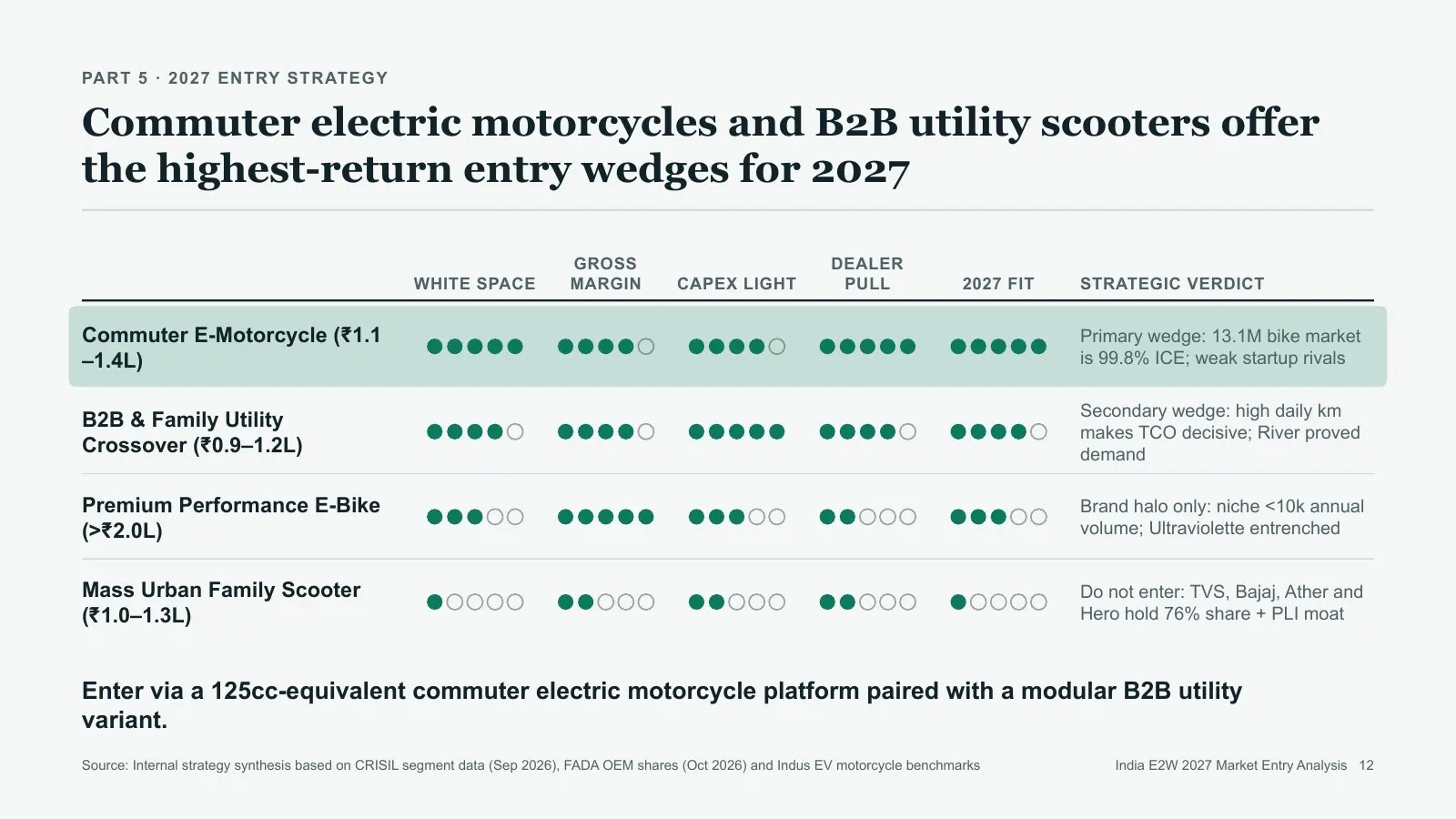
Entities scored on criteria.
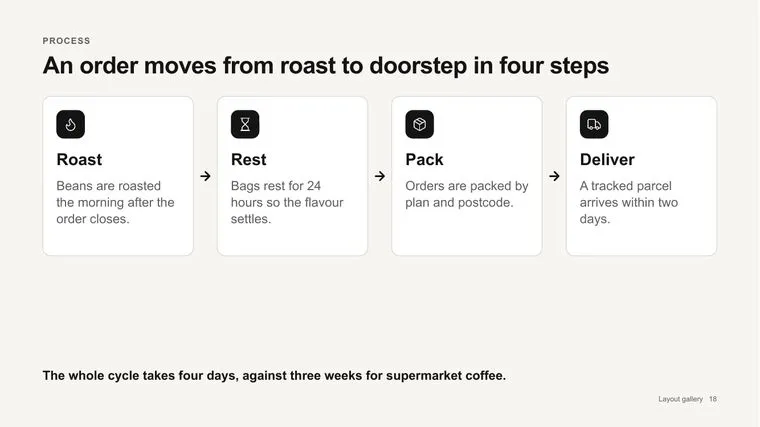
Steps with icons and arrows.
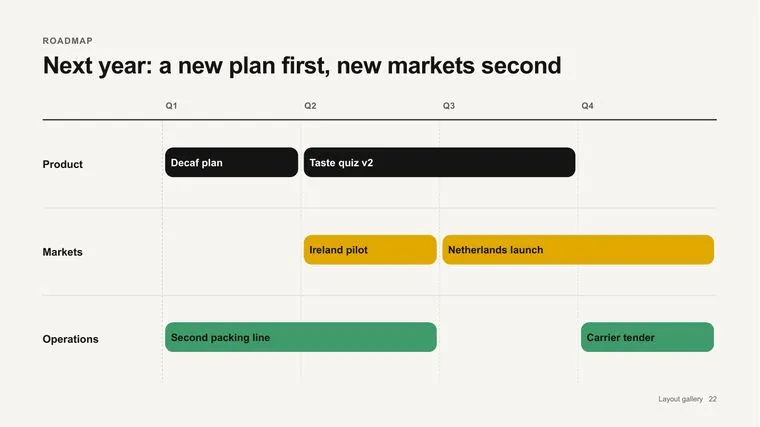
Lanes of work across quarters.
Parallel ideas with icons and stats.
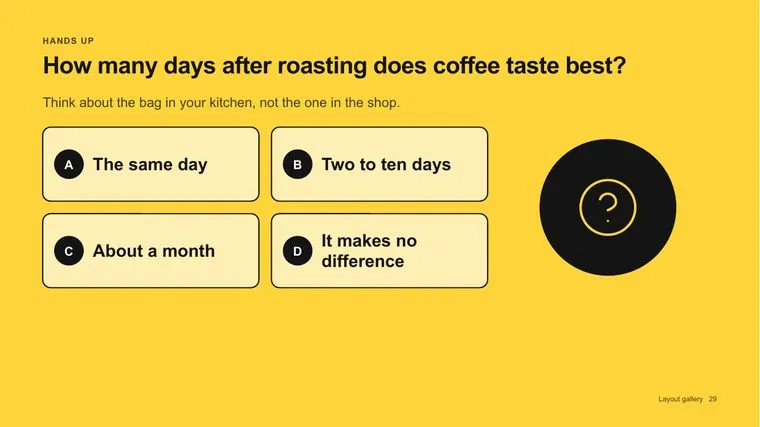
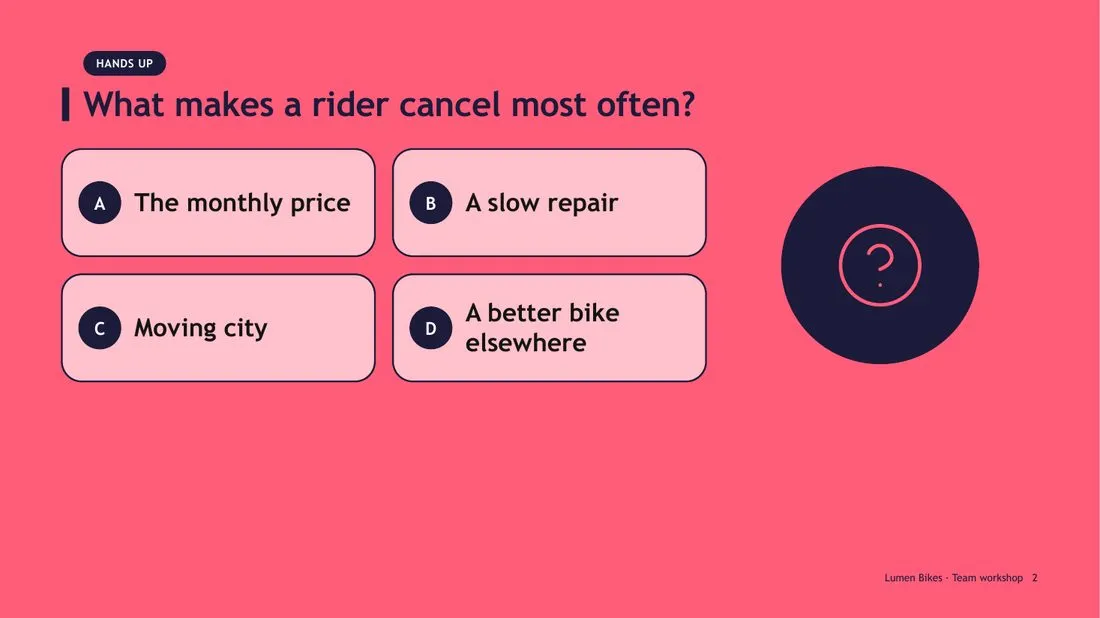
Lettered options for the room.
Numbered parts as cards.

Big number, part title, new tone.
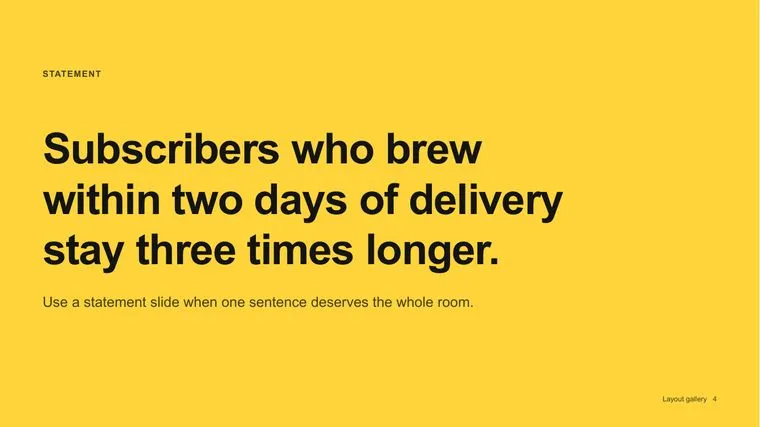
One sentence that deserves the room.
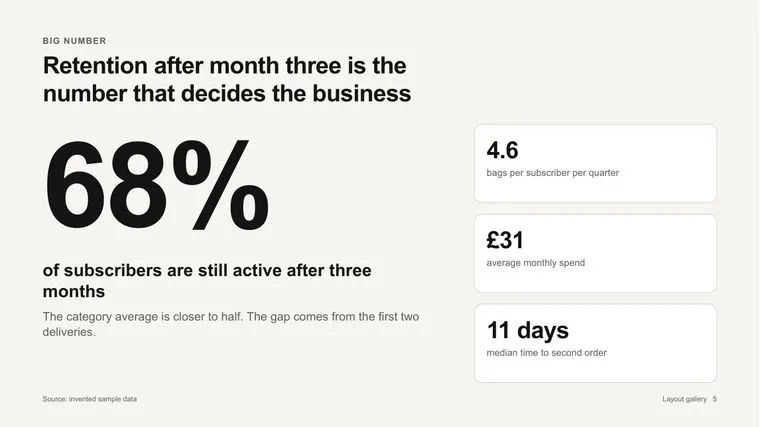
One figure, what it means, side stats.
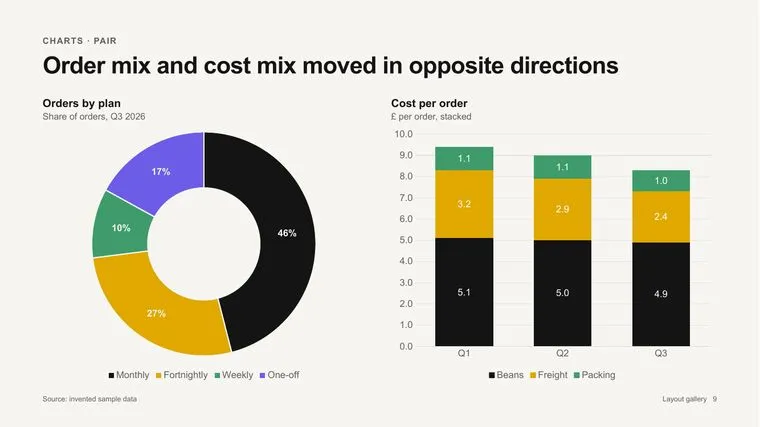
Two charts side by side.
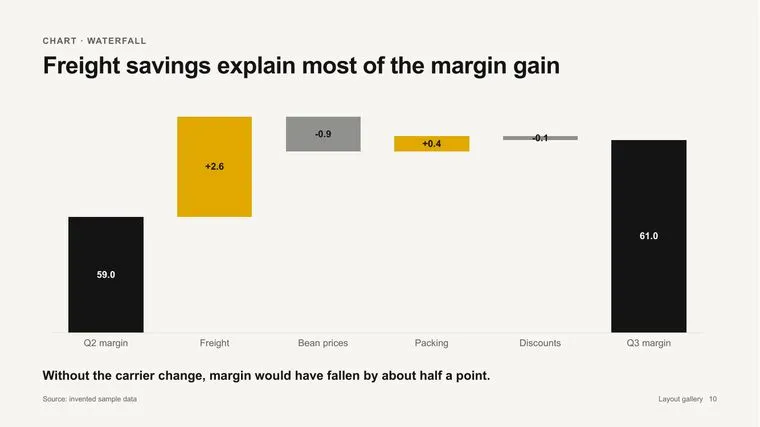
Bridge from one total to another.
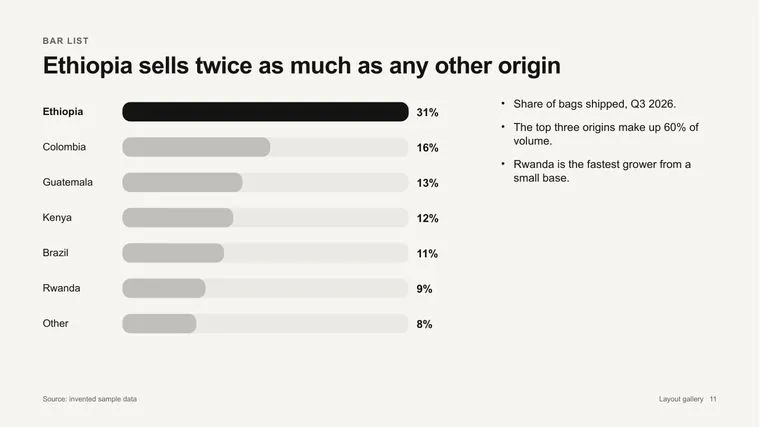
Ranked bars for benchmarks.
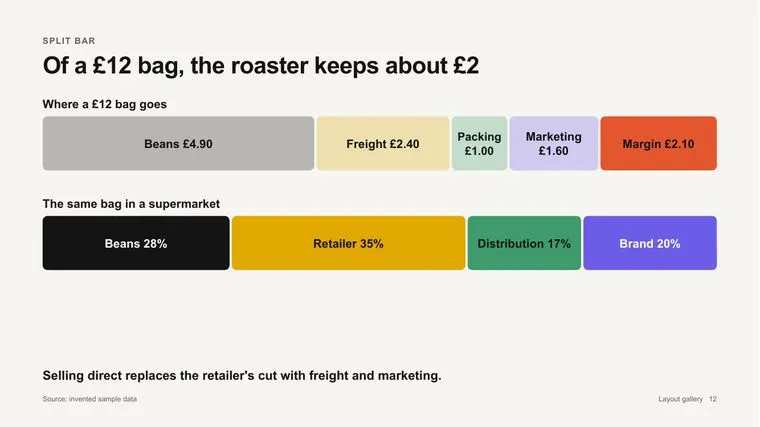
Where a total goes, piece by piece.
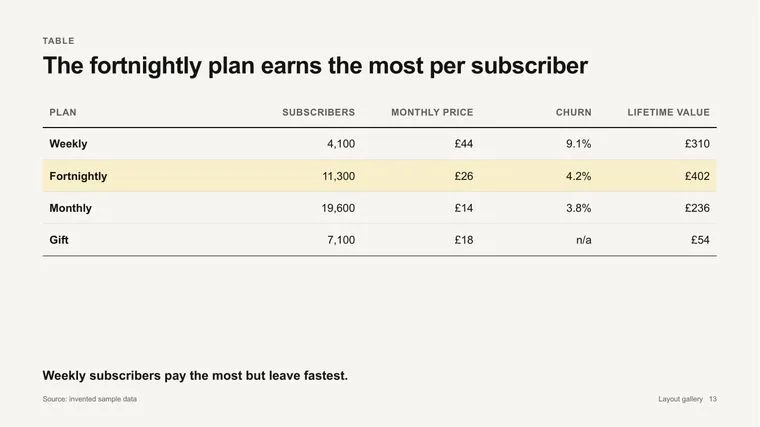
Native table with a highlighted row.
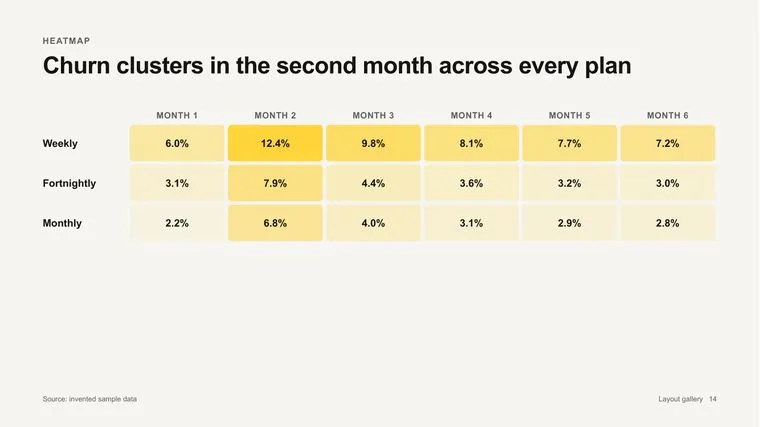
Values shaded by size.
Milestones in order.
Stages with conversion.
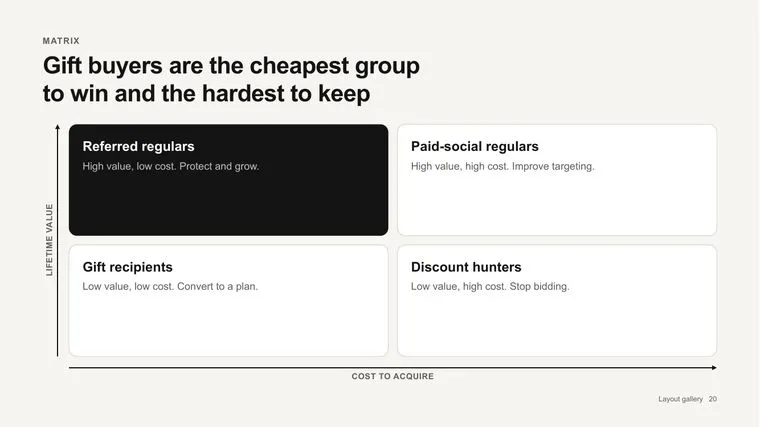
Positions on two axes.
Stacks and architectures.
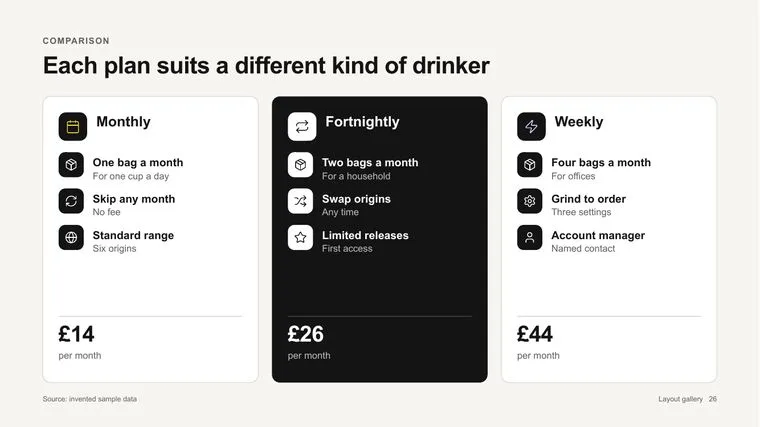
Options side by side.
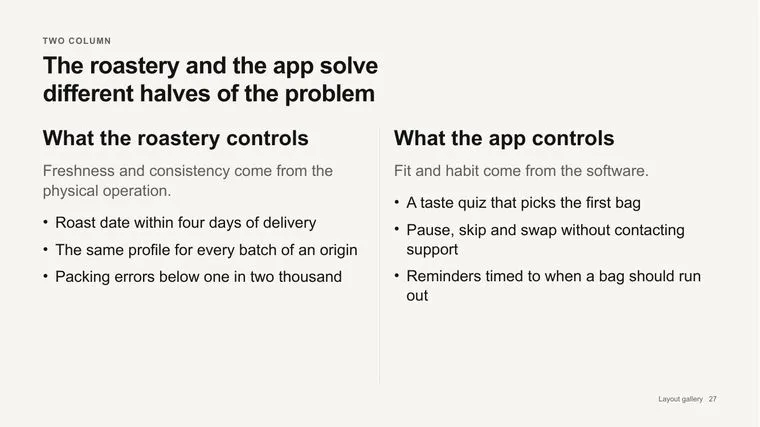
Two halves of an argument.
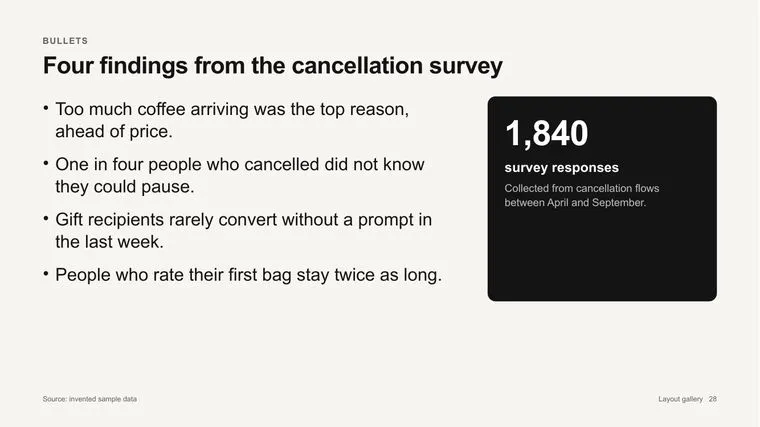
A short list, used sparingly.
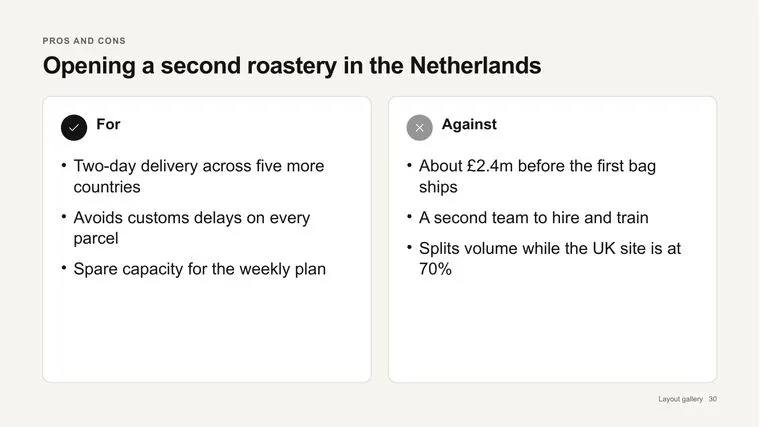
For and against.
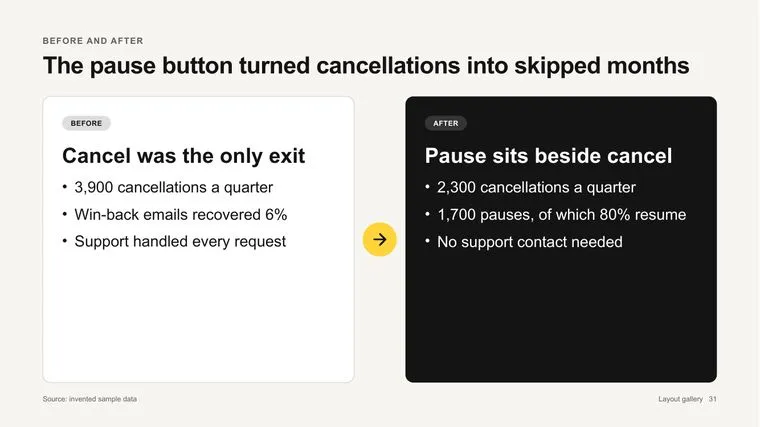
What changed.
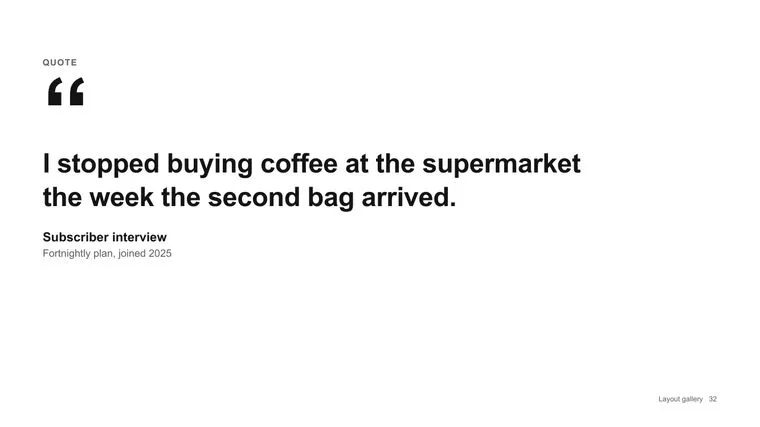
A real voice, credited.
Owner, time and command per step.
Monospace panel with notes.
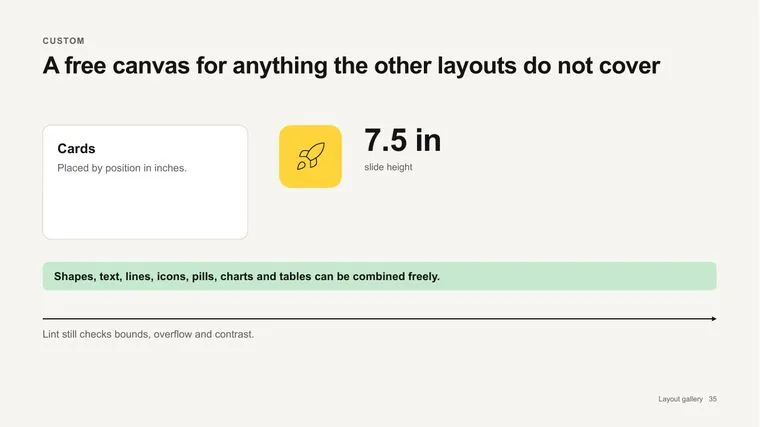
Anything the others don't cover.
What to remember from a part.
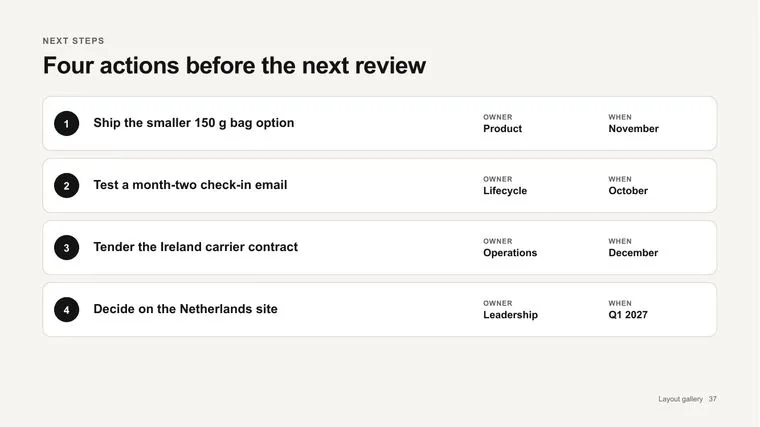
Actions with owners and dates.
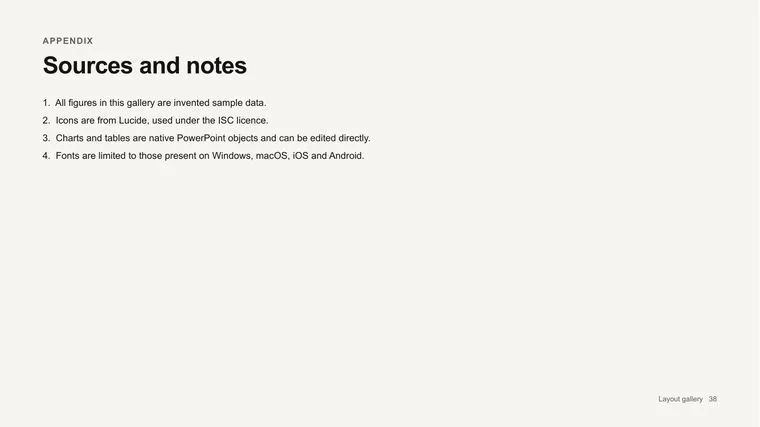
Numbered references.
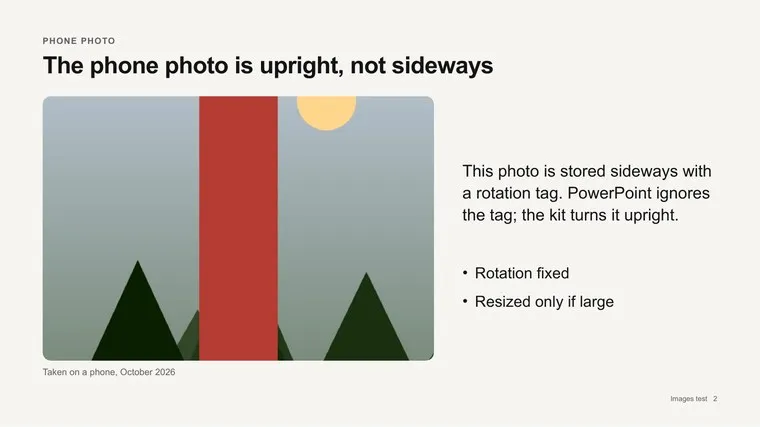
Your photo or screenshot, with text beside it.

Two to six of your photos with captions.

Your photo edge to edge, headline on a panel.